How Do I Anchor a Bunk Bed to the Wall for Safety? - meetcofurniture

Everything About Office Furniture

How Do I Anchor a Bunk Bed to the Wall for Safety?

Is it necessary to attach a bunk bed to the wall, and how do I do it safely?

Yes, anchoring prevents tipping and is crucial for safety. Most new bunk beds include a wall strap kit. Here's how:

  • Find Wall Studs: Use a stud finder to locate the solid wooden beams in your wall.
  • Attach the Bracket: Secure the metal bracket firmly into the wall stud with long screws.
  • Secure the Strap: Connect the provided strap or cable from the bracket to a solid part of the bed's upper frame.

Related Articles:

  1. Is a Bunk Bed a Twin Bed?
  2. What is a Loft Bed?
  3. What Age Can a Child Go in a Bunk Bed?
  4. What Type of Mattress Is Best for Bunk Beds?
  5. What Types of Bunk Beds Can I Buy?
  6. Best Bunk Beds for Kids Rooms & Teen Rooms: 2026 Buying Guide
Picture of Meet&Co Furniture

Meet&Co Furniture

We are a leading office furniture manufacturer dedicated to creating high-quality, sustainable, and stylish furniture for modern offices and homes.

Related Questions

Related Products

Blue
Grey
Orange
White

Locke Wood Bunk Bed with Stairs

$1.00
Select options This product has multiple variants. The options may be chosen on the product page
Black
Grey
White

Taschen Metal Bunk Bed

$1.00
Select options This product has multiple variants. The options may be chosen on the product page
Dark Blue Green
Denim Blue
Wood

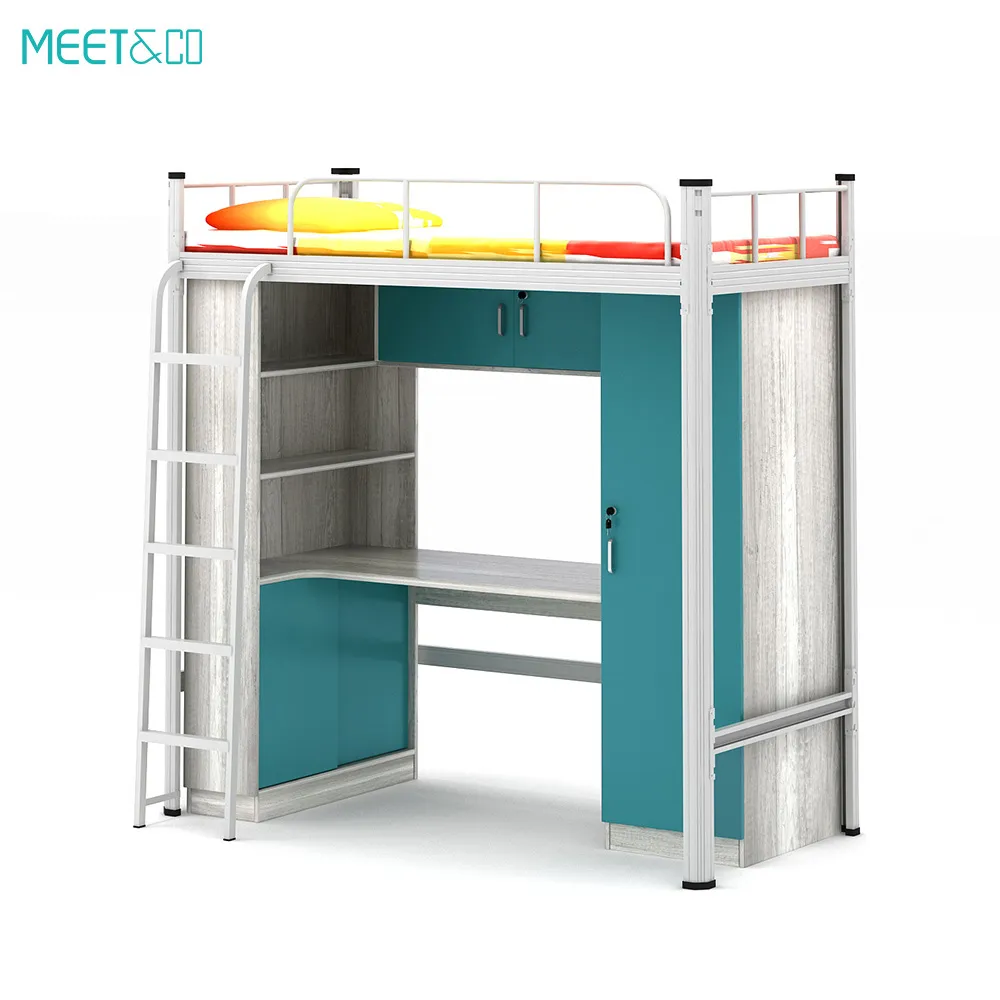
Bater Bunk Bed with Desk

$1.00
Select options This product has multiple variants. The options may be chosen on the product page
White

MG Metal Bunk Bed with Stairs

$1.00
Select options This product has multiple variants. The options may be chosen on the product page
Blue
Grey
Orange

Taschen Metal Frame Bunk Bed with Desk Underneath

$1.00
Select options This product has multiple variants. The options may be chosen on the product page
24/7 Support

Quality Products

Tailored Solutions

Trusted Brand

Set your categories menu in Header builder -> Mobile -> Mobile menu element -> Show/Hide -> Choose menu
Start typing to see posts you are looking for.
Shop
0 items Cart
My account