











 Meet&Co
Are you considering a switch to a more active workspace?
While the health benefits are often praised, many users encounter significant problems with standing desks that lead to them gathering dust after just a few months.
After five years of rigorous testing and evaluating dozens of models, I have identified the most critical issues—ranging from physical strain to productivity dips—and how you can fix them to ensure your investment actually improves your life.
Whether you are looking to upgrade your office or are currently struggling with discomfort, understanding the potential problems with standing desks is the first step toward a pain-free workday.
Quick Answer – Are Standing Desks Actually Problematic?
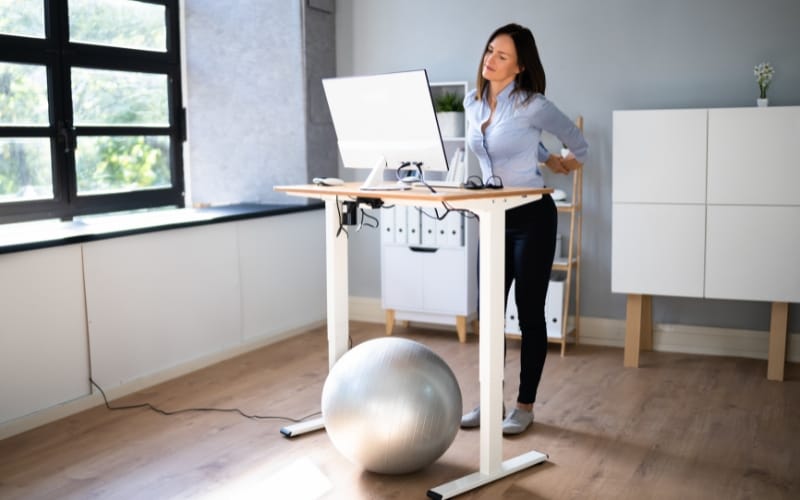
The short answer: No, they aren’t inherently “bad,” but they are frequently misused.
Most users fail to realize that a sit to stand desk is a tool for movement, not a permanent standing station.
The primary problems stem from static standing, poor ergonomics, and unrealistic expectations.
When used correctly (alternating between sitting and standing), they are revolutionary; when used incorrectly, they can cause more harm than a standard chair.
The 9 Most Common Problems With Standing Desks
1. Standing Too Long Causes Fatigue (Not Relief)
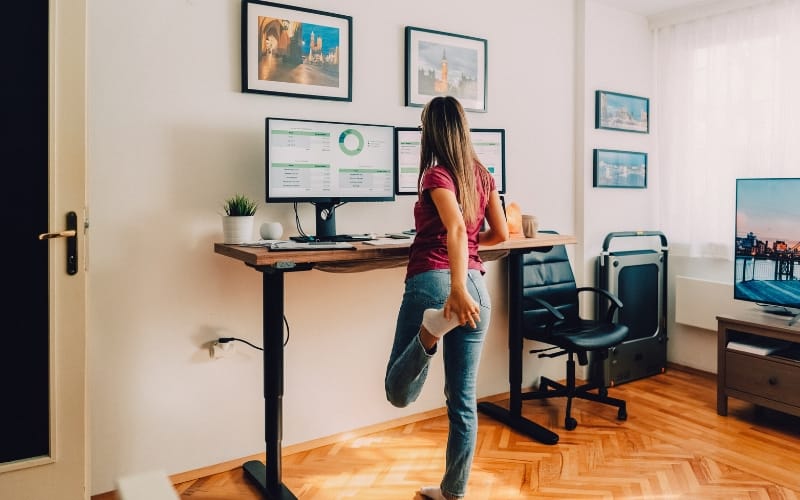
The most common mistake beginners make is trying to stand for 8 hours on day one.
Why it happens: Static standing is just as taxing on the circulatory system as static sitting. It leads to “heavy legs,” blood pooling, and mental exhaustion.
The Newbie Trap: Thinking that “more standing equals more health.”
👉 Fix: Follow the 30–45 minute rule. Stand for no more than 45 minutes before transitioning back to a seated position or taking a short walk.
2. Back Pain Can Actually Get Worse
If you have a weak core, standing for long periods causes your pelvis to tilt forward (anterior pelvic tilt), putting massive pressure on your lower lumbar.
The Core Issue: Without a chair to support your spine, you might find yourself “hanging” on your joints or leaning on the desk with your elbows.
👉 Fix: Use a posture checklist. Keep your ears over your shoulders and your shoulders over your hips. Slightly tuck your pelvis to engage your abs.
3. Reduced Focus and Productivity
🔥 Expert Insight: Standing requires more “micro-balancing” from your brain and nervous system than sitting.
Cognitive Load: For tasks requiring deep concentration (like coding or complex writing), the physical act of standing can be a subtle distraction.
The Energy Drain: Your brain consumes more energy managing your balance, which can shorten your “Deep Work” sessions.
4. Leg and Foot Pain Without Proper Setup
Standing on a hard floor in flat shoes or socks is a recipe for plantar fasciitis.
The Difference: An anti-fatigue mat is non-negotiable. It encourages micro-movements in your calves, which pumps blood back to your heart.
👉 Fix: Invest in a high-density foam mat or wear supportive ergonomic footwear indoors.
5. Expensive but Not Always Worth It
The ROI (Return on Investment) of an electric adjustable standing desk depends entirely on usage frequency.
The Price Gap: Cheap desks ($200) often use single motors that “whine” and wobble. Premium desks offer longevity but require a significant upfront cost.
👉 Fix: If you are on a budget, look for desks like the Sendi E Height Adjustable Standing Desk. It balances professional-grade stability with a price point that makes sense for long-term home office use.
6. Constant Adjustments Become Annoying
If your desk is manual (hand-crank), you will eventually stop using it.
Even with electric desks, if the motor is slow, the friction of switching heights becomes a psychological barrier.
The Friction: If it takes more than 20 seconds to change heights, you’ll likely stay in one position all day.
👉 Fix: Always choose a motor with memory presets so the transition is “one-touch.”
7. Not Ideal for All Tasks
🔥 Industry Secret: Some tasks are simply better done sitting.
The Workflow: Standing is great for high-energy Zoom calls, clearing emails, or brainstorming. However, for precision work (like graphic design), the slight micro-vibrations of a desk can hinder accuracy.
8. Poor Setup Can Cause More Harm Than Sitting
An electric height adjustable office desk doesn’t fix bad ergonomics; it often amplifies them.
The Screen Trap: If your monitor is too low while standing, you will develop “tech neck” faster than you would while sitting.
👉 Fix: Ensure your elbows are at a 90-degree angle and the top of your screen is at eye level.
9. You Still Sit Most of the Day Anyway
The “Psychological Fallacy” of the standing desk is that buying one makes you an active person.
The Reality: Studies show that many owners stand for less than 1 hour a day after the first month. The desk becomes an expensive “statue” of health rather than a functional tool.
Problems Beginners Face (That No One Talks About)
🔥 The Difference Maker:
Transition Shock: Most people don’t realize their leg muscles aren’t conditioned for 4 hours of standing.
Cable Chaos: When the desk goes up, your cables pull. Without a proper tray, you risk damaging your hardware.
Shoe Choice: Standing in heels or hard-soled dress shoes will ruin your experience in under 20 minutes.
Long-Term Problems After Months or Years
As a 5-year veteran, I’ve noticed issues that only appear after the “honeymoon phase”:
Mechanical Wear: Cheaper motors start to “whine” or become uneven (one leg higher than the other) after 1,000+ cycles. This is why I recently transitioned to testing the Sendi E from Meet&Co, which features a more robust lift mechanism designed for thousands of height transitions without losing calibration.
The “Wobble” Growth: Over time, screws loosen. A desk that was stable on day one might start to sway in year two.
Who Should NOT Use a Standing Desk?
Individuals with severe knee or hip issues: Static standing increases joint compression.
High-Precision Workers: If your work requires zero-vibration (e.g., watch repair, fine illustration).
The “Low-Activity” Mindset: If you aren’t willing to set a timer to switch positions, you’re better off spending your money on an elite ergonomic chair.
How to Fix Most Standing Desk Problems
Ideal Sit-Stand Ratio
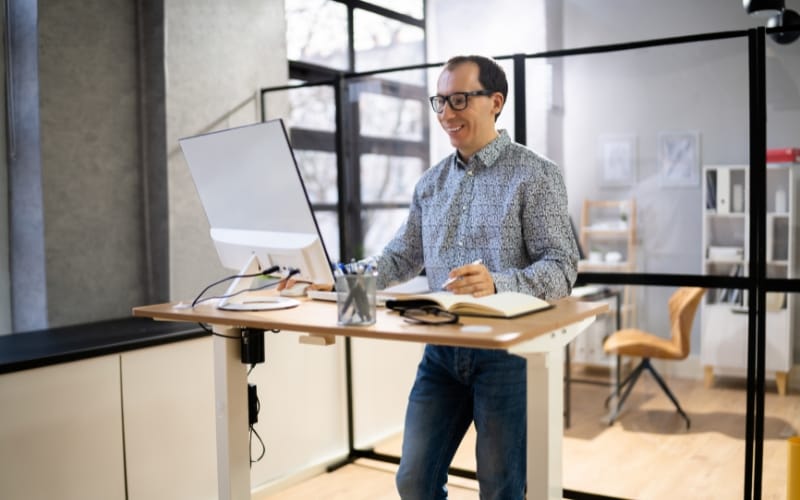
Research suggests a 1:1 or 2:1 ratio. For every hour of work, sit for 30 minutes and stand for 30, or sit for 40 and stand for 20.
Proper Desk Setup Guide
Monitor Height: Top third of the screen at eye level.
Keyboard Position: Flat or slightly tilted away from you.
The Desk Choice: Use a desk with high-strength steel legs. The Sendi E adjustable height ergonomic desk is a prime example of a desk designed to minimize “lateral sway,” which is the #1 complaint of standing desk users.
Must-Have Accessories
Anti-Fatigue Mat: Essential for joint health.
Monitor Arm: Critical for independent height adjustment.
Cable Management Tray: To prevent “cable pull” during elevation.
Standing Desk vs Sitting – Which Is Actually Better?
The science is clear: Movement is the winner. Neither sitting all day nor standing all day is healthy.
The goal is to avoid “Static Loading.” A sit and stand up desk is simply a tool to help you change posture frequently.
Final Verdict: Are Standing Desks Overrated?
They are overrated as a weight-loss tool, but underrated as a productivity booster.
If you are looking for a reliable solution to the common problems with standing desks, the latest Sendi E Sit to Stand Desk is a standout choice.
It addresses the stability and motor-lag issues that plague cheaper models, providing a seamless transition that encourages you to actually use the standing feature.
Expert Advice: Don’t just buy a desk—buy a habit. Set a timer, get a mat, and choose a desk that won’t wobble when you’re in the zone.


_10-1.webp)
