











 Meet&Co
Today’s workplace is a tapestry of generations. Baby Boomers, Gen X, Millennials, and Gen Z are working side by side, each bringing unique work styles, physical needs, and expectations. One piece of office furniture sits at the center of their shared experience: the office chair.
A chair that works for a 25-year-old software developer may feel completely wrong for a 60-year-old executive. Yet, asking employees to choose from a handful of models—or worse, offering a one-size-fits-none solution—can lead to discomfort, absenteeism, and even long-term health issues.
Choosing ergonomic office chairs for a multi-generational workforce requires understanding the distinct needs of each age group and selecting chairs with the adjustability to accommodate them all. This guide will help you make informed decisions that support every member of your team.
Why Does Age Matter When Choosing Office Chairs?

Age influences more than just job tenure. As people age, their bodies change. Joint flexibility decreases, spinal discs lose elasticity, and conditions like arthritis or chronic back pain become more common. Younger workers, on the other hand, may be more resilient in the short term but are prone to repetitive strain injuries from long hours of screen time.
Moreover, generational preferences extend beyond ergonomics. A Gen Z employee might appreciate a sleek, minimalist design, while a Baby Boomer may prioritize plush cushioning and intuitive controls. The right chair for a multi-generational workforce must bridge these physical and aesthetic differences.
Ignoring these nuances can result in:
Reduced productivity due to discomfort
Increased sick leave and workers’ compensation claims
Lower employee satisfaction and retention
Investing in chairs that work for everyone is not just a wellness initiative—it’s a business imperative.
What Are the Ergonomic Needs Across Generations?
Each generation typically spends its workday differently, which influences the type of support they need from a chair. Below is a snapshot of common characteristics and ergonomic considerations.
| Generation | Typical Work Habits | Common Ergonomic Concerns | Preferred Chair Features |
|---|---|---|---|
| Gen Z (born 1997–2012) | Often uses multiple devices; may prefer standing or perching; less desk time | Early signs of tech neck, wrist strain | Sleek design, breathable mesh, easy adjustability, swivel mobility |
| Millennials (born 1981–1996) | Hybrid workers; long stretches at desks; value wellness | Lower back pain, shoulder tension | High adjustability, lumbar support, sustainable materials |
| Gen X (born 1965–1980) | Experienced professionals; may spend extensive hours seated | Chronic back pain, reduced flexibility, joint stiffness | Plush but supportive cushioning, seat depth adjustment, padded armrests |
| Baby Boomers (born 1946–1964) | Often in leadership roles; may have existing arthritis or disc issues | Spinal degeneration, hip discomfort, circulation concerns | Easy-to-reach controls, high back support, firm yet cushioned seat, breathable fabric |
While these are generalizations, they highlight the range of needs that a single chair model—or a small family of models—must address.
Top Features to Look for in a Multi-Generational Office Chair
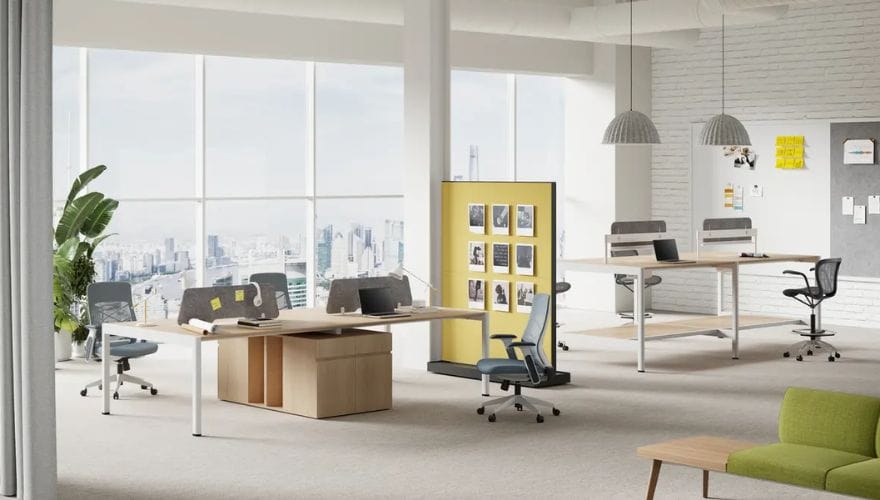
To accommodate all ages, look for chairs that offer a high degree of adjustability and quality construction. The following features are non-negotiable.
1. Adjustable Seat Height
A pneumatic height adjustment ensures that a 5’2” Gen Z intern and a 6’4” Baby Boomer executive can both place their feet flat on the floor with thighs parallel to the ground. This is the foundation of good ergonomics.
2. Adjustable Lumbar Support
Lower back support is critical for all generations but especially for older workers who may have existing spinal issues. Look for chairs with independent height and depth adjustments for the lumbar mechanism.
3. Seat Depth and Width
Seat depth adjustment allows the user to position the seat pan so there are 2–3 fingers of space between the back of the knee and the seat edge. This prevents circulation issues and accommodates different leg lengths. Seat width should be generous enough for all body types.
4. Adjustable Armrests
Armrests that adjust in height, width, and pivot allow users of different sizes to rest their arms comfortably, reducing shoulder strain. Fixed armrests often cause discomfort for one group or another.
Also see: Best Ergonomic Chairs for Different Body Types: A Size-Inclusive Buying Guide
5. Tilt Mechanism with Tension Control
A tilt mechanism lets users recline while maintaining support. Tension control allows lighter and heavier users to adjust the resistance. Lockable tilt positions are useful for those who prefer a static posture.
6. Breathable Material
Mesh backs allow airflow, keeping younger users cool during long sessions. Some older users with dry skin may prefer a fabric or foam-backed mesh for comfort. Avoid leather or vinyl unless climate control is excellent.
7. Easy-to-Use Controls
Chairs with intuitive, labeled levers and paddles are essential for older workers who may have arthritis or reduced hand strength. Overly complex or hard-to-reach controls can discourage proper adjustment.
How to Balance Style and Functionality Across Age Groups?
Aesthetics matter across generations, though preferences differ. A chair that looks “too corporate” may not appeal to a younger creative team, while an overly “gamer-style” chair might feel out of place in an executive suite.
The solution is to choose chairs with neutral, professional designs that come in a range of colorways. Many high-quality ergonomic office chairs now offer interchangeable fabrics or mesh colors, allowing you to match different departmental aesthetics while maintaining the same ergonomic platform.
Involving employees in the selection process—through a demo day or pilot program—can also help bridge generational style gaps. When people feel heard, they are more likely to appreciate the final choice.
Should You Offer Different Chair Types or One Universal Model?
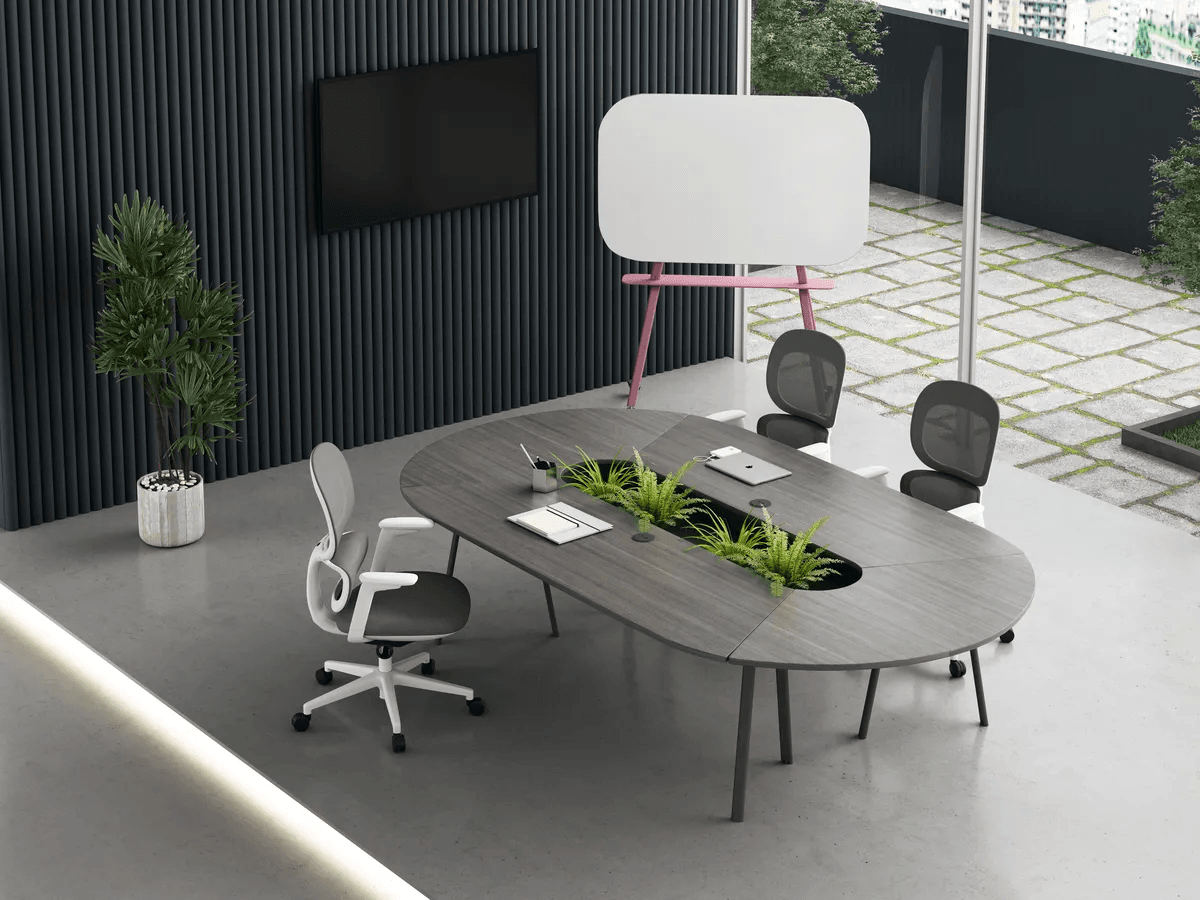
Linora A Oval Conference Table
This is one of the most common questions when designing for a multi-generational workforce. There are two schools of thought.
The Single-Model Approach
A single, highly adjustable chair model (e.g., a premium task chair with extensive adjustments) can theoretically accommodate 90% of users. This simplifies procurement, maintenance, and training. However, it requires that the model truly offers all the features listed above and that users are taught how to adjust it.
The Curated Selection Approach
Offering two or three models—for example, one with a mesh back for those who run hot, and one with a more cushioned seat for those who prefer plushness—gives employees choice while maintaining bulk purchasing efficiencies. This approach often yields higher satisfaction.
Recommendation: Start with one premium, highly adjustable model and supplement with a second option (such as a smaller-scale task chair or a more generously cushioned executive chair) after surveying your workforce.
Also see: Top Office Workstation Suppliers in 2026: A Buyer’s Guide
Frequently Asked Questions
1. Can one chair model truly fit all ages?
With the right adjustments, yes. A high-quality ergonomic office chair that offers independent seat height, seat depth, armrest, and lumbar adjustments can accommodate a wide range of body sizes and ergonomic needs. The key is providing proper onboarding so employees understand how to customize the chair to their body.
2. What is the most important adjustment for a multi-generational workforce?
Seat depth adjustment is often the most overlooked yet critical feature. It ensures proper thigh support without pressure behind the knees, which is essential for both shorter and taller users. Without it, some employees will either slide forward or have their circulation compromised.
3. How can I test if a chair suits a diverse team?
Conduct a “chair demo day” where employees from different generations, body types, and roles can test multiple models. Ask them to sit for at least 30 minutes while performing typical tasks. Gather feedback on comfort, ease of adjustment, and perceived support. This participatory approach reduces the risk of choosing a chair that only works for a subset of your staff.
4. Are mesh chairs or cushioned chairs better for older workers?
It depends on individual preference and existing conditions. Mesh chairs offer breathability and often provide firm, even support. Some older workers with sensitive skin or who prefer a softer feel may prefer a high-quality foam seat with a fabric cover. The best approach is to offer both options—or choose a hybrid design that combines a mesh back with a foam seat.
5. How often should office chairs be replaced to maintain ergonomic support?
Most quality ergonomic chairs have a lifespan of 7–10 years with proper use. However, foam padding can compress after 5–7 years, and mechanisms may wear. For a multi-generational workforce, consider replacing chairs once they show visible signs of wear or when employees begin reporting discomfort that adjustments cannot resolve.
Conclusion
A multi-generational workforce is a strength, but it demands thoughtful furniture choices. Office chairs that succeed in this environment are those that combine high adjustability, durable construction, and inclusive design—allowing each employee, regardless of age, to sit comfortably and productively.
Take the time to assess your team’s demographics, involve them in the selection process, and invest in chairs that offer the features outlined above. The result will be a workplace where every generation feels supported—and where productivity and well-being go hand in hand.
Ready to choose the right ergonomic chairs for your team? Contact us for expert guidance and to schedule a demo of our top-rated multi-generational seating solutions.


