











 Meet&Co
You’ve measured the room. You’ve picked out the table. Now comes the question that trips up more facility managers than any other: how many conference room chairs should you actually put in there?
Too few, and you’ll constantly scramble for extras when the full team meets. Too many, and you’ll have a cramped, uncomfortable room that nobody wants to use—plus chairs that spend most of their life stacked in a corner.
The right number depends on two things: room size and meeting type. A room used for collaborative workshops needs a different layout (and different chair count) than one used for executive presentations. This guide gives you formulas, layouts, and quick-reference tables to get it right.
Why Chair Count Matters More Than You Think
Overcrowding a conference room is a common mistake. The result:
People can’t get in or out without disturbing others
No room for notebooks, laptops, or elbow space
The room feels chaotic, undermining serious discussions
Chairs get damaged from constant squeezing and shifting
Underfilling is less common but equally problematic:
Rooms look sparse and uninviting
You’re constantly borrowing chairs from other areas
Meetings feel disorganized when attendees can’t sit together
The goal is right-sizing: enough capacity for your typical needs, with comfortable circulation and workspace.
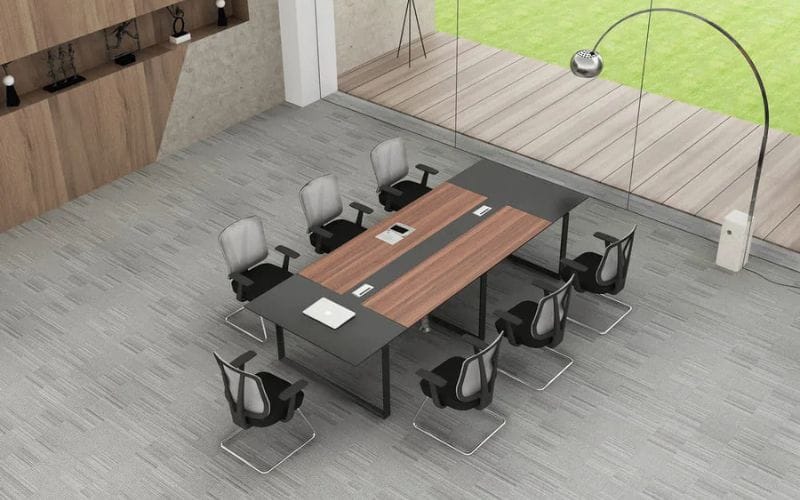
Warnock Series A Conference Table
Step 1: Know Your Meeting Type
Before calculating chair counts, understand how the room will be used.
| Meeting Type | Seating Style | Typical Chair Count | Space per Person |
|---|---|---|---|
| Discussion / Collaborative | Chairs around a central table (often rectangular or oval) | 6–12 | 28–32” table edge per person |
| Presentation / Lecture | Chairs in rows facing a front focal point | 15–50+ | 18–24” chair width; 36–48” row spacing |
| Hybrid | Combination of table seating + perimeter or rear rows | Varies | Mix of both formulas |
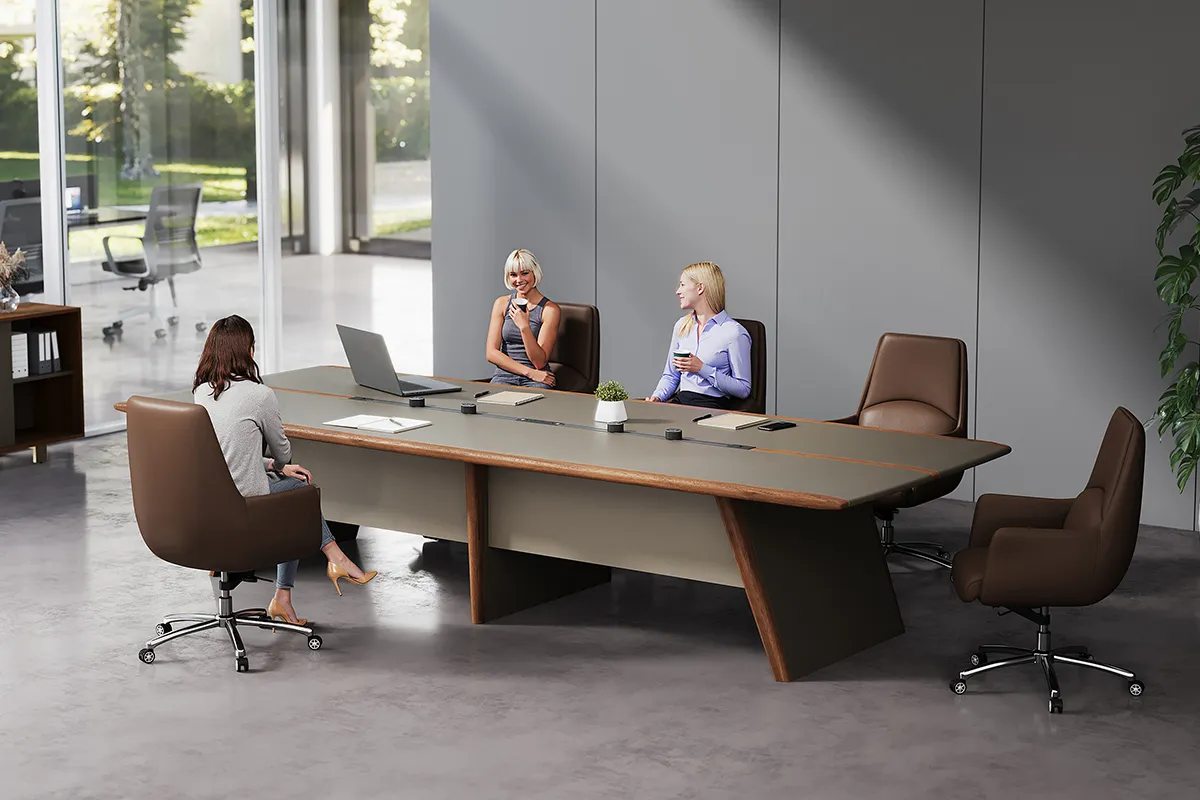
Discussion-style meetings require chairs placed around a table. Each person needs space to spread materials and see other participants. Presentation-style meetings prioritize density—attendees face forward, and chairs can be placed in tighter rows.
Step 2: Measure Your Room
Gather these dimensions:
Length and width (in feet or meters)
Deductions: Subtract space for built-in cabinets, AV equipment, doors that swing inward, and any fixed obstacles
Rule of thumb: For discussion layouts, start with the table size, then determine how many chairs fit around it. For presentation layouts, start with room area and work backward.
Step 3: Calculate for Discussion-Style Meetings
For meetings where everyone sits around a table, the limiting factor is table perimeter, not room area.
Formula:
Determine your table size (standard: 6 ft x 3 ft for 6–8 people; 8 ft x 4 ft for 8–10; 12 ft x 4 ft for 12–14)
Calculate usable table edge in inches (sum of all sides, minus corners where seating is impractical)
Divide by 28–32 inches per person
Standard table capacities (comfortable seating):
| Table Size | Shape | Comfortable Capacity | Tight Capacity |
|---|---|---|---|
| 6 ft x 3 ft | Rectangular | 6 (2 ends + 2 per side) | 8 |
| 8 ft x 3 ft | Rectangular | 8 (2 ends + 3 per side) | 10 |
| 8 ft x 4 ft | Rectangular | 10 (2 ends + 4 per side) | 12 |
| 12 ft x 4 ft | Rectangular | 14 (2 ends + 6 per side) | 16 |
| 48″ diameter | Round | 4–6 | 8 |
| 60″ diameter | Round | 6–8 | 10 |
Room Clearance Requirements
For a discussion layout with chairs around a table, allow:
Behind chairs: 36–42 inches to wall or obstacle (for chair push-back and walkway)
Between chairs: 24 inches minimum for side-by-side seating
At table corners: Allow 24–30 inches for end chairs to push back
Quick calculation: A conference room needs roughly 40–50 square feet per person for comfortable discussion-style seating around a table.
Step 4: Calculate for Presentation-Style Meetings
For rooms used for presentations, training, or town halls where attendees face forward, use a row-based formula.
Row Spacing Guidelines
| Configuration | Row Spacing (front to back) | Chair Width | Capacity per Row (per 10 ft of width) |
|---|---|---|---|
| Standard (with tables) | 48–60 inches | 22–24 inches | 5–6 chairs |
| Standard (no tables) | 36–48 inches | 20–22 inches | 6–7 chairs |
| Tight (no tables) | 30–36 inches | 18–20 inches | 7–8 chairs |
| Wheelchair accessible | 60–72 inches (every 4th row) | 30–36 inches per accessible space | Varies |
Row Count Formula
Available depth: Room length minus front clearance (6–8 ft for screen/presenter area) minus back clearance (3–4 ft for entry)
Divide by row spacing: Choose spacing based on whether tables are used
Multiply rows × chairs per row
Quick Reference Table: Presentation Layout
| Room Size (ft) | Rows (no tables, 36″ spacing) | Chairs per Row (24″ width) | Total Capacity |
|---|---|---|---|
| 20 x 20 | 4 rows (16 ft depth) | 8–10 | 32–40 |
| 30 x 20 | 6 rows (18 ft depth) | 8–10 | 48–60 |
| 40 x 20 | 8 rows (24 ft depth) | 8–10 | 64–80 |
| 20 x 30 | 4 rows (16 ft depth) | 12–15 | 48–60 |
| 30 x 30 | 6 rows (18 ft depth) | 12–15 | 72–90 |
Assumptions: 6 ft front clearance, 3 ft back clearance, no tables. Rows spacing 36″. Chair width 22″.
Step 5: Special Considerations
Hybrid Meetings
Many conference rooms now need to support both in-person and remote participants. This requires:
Camera sightlines: Avoid placing chairs where faces are obscured
Power access: Chairs near outlets for device charging
Flexible layouts: Choose lightweight chairs that can be reconfigured quickly
For hybrid rooms, a hollow square or U-shape layout (with a clear front for cameras) often works better than a full rectangular table.
Wheelchair Accessibility
At minimum, provide:
One wheelchair-accessible space per 25 seats (or at least one per room)
Clear floor space 30 x 48 inches adjacent to the accessible seating position
Accessible routes to and from the seating area
In presentation layouts, incorporate accessible spaces in the rear or along aisles (not in the front row, where they block sightlines).
Multi-Purpose Rooms
If the room serves both discussion and presentation functions, consider:
Stackable chairs that can be stored when not needed
Modular tables that can be combined or removed
Mobile carts for storing extra seating
For these spaces, calculate for the highest capacity use case (usually presentation) and store the excess chairs when the room is configured for discussion.
Step 6: The 80% Rule
A final consideration: don’t size the room for your absolute maximum attendance if that happens rarely.
The 80% rule: Size for the attendance you need 80% of the time. For the remaining 20%, use overflow rooms, temporary seating, or adjust the layout.
Why? Because a room that’s cavernous 80% of the time feels empty and uncomfortable. A room that’s slightly tight 20% of the time can be managed with creative seating arrangements.
Frequently Asked Questions
1. How many chairs can I fit in a 20×20 conference room?
For discussion style around a table: one large table (8–12 people) or two smaller tables (12–16 total). For presentation style with rows: approximately 40–50 chairs without tables, or 30–40 with tables. The exact number depends on chair width and row spacing.
2. What’s the minimum space per person for a comfortable meeting?
Discussion around table: 28–32 inches of table edge per person; 40–50 sq ft of total room area per person
Presentation with tables: 20–25 sq ft per person
Presentation without tables: 15–20 sq ft per person
3. How much space do I need behind chairs?
For chairs that will be pushed back frequently, allow 36–42 inches from the back of the chair to the wall or next obstacle. For fixed rows (presentation seating), 24–30 inches is acceptable between the front of one chair and the back of the chair in front.
4. Should I count the head of the table as seating?
If the head of the table is used by a facilitator or presenter who does not need constant access to materials, you can omit chairs there. If the room is used for roundtable discussions, every position counts. For U-shaped or hollow square layouts, the open side is not used for seating.
5. How do I accommodate hybrid meetings in my chair count?
Hybrid meetings don’t necessarily change chair count, but they affect layout. Position cameras at one end or corner of the table so that in-person participants are visible to remote attendees. Avoid placing chairs at the far end of a long table where faces become small on camera.
Conclusion
Calculating the right number of conference room chairs isn’t guesswork. By following these steps—identifying your meeting type, measuring your room, applying the appropriate formulas, and considering accessibility and hybrid needs—you can confidently furnish a space that’s comfortable, functional, and right-sized.
| Step | Action |
|---|---|
| 1 | Define meeting type: discussion or presentation? |
| 2 | Measure room dimensions and note fixed obstacles |
| 3 | For discussion: calculate table perimeter ÷ 30” per person |
| 4 | For presentation: rows × chairs per row using spacing tables |
| 5 | Add accessible spaces and hybrid considerations |
| 6 | Apply 80% rule for realistic capacity |
A well-planned conference room supports better meetings, fewer disruptions, and a professional environment that reflects well on your organization. Start with the right chair count—everything else follows.
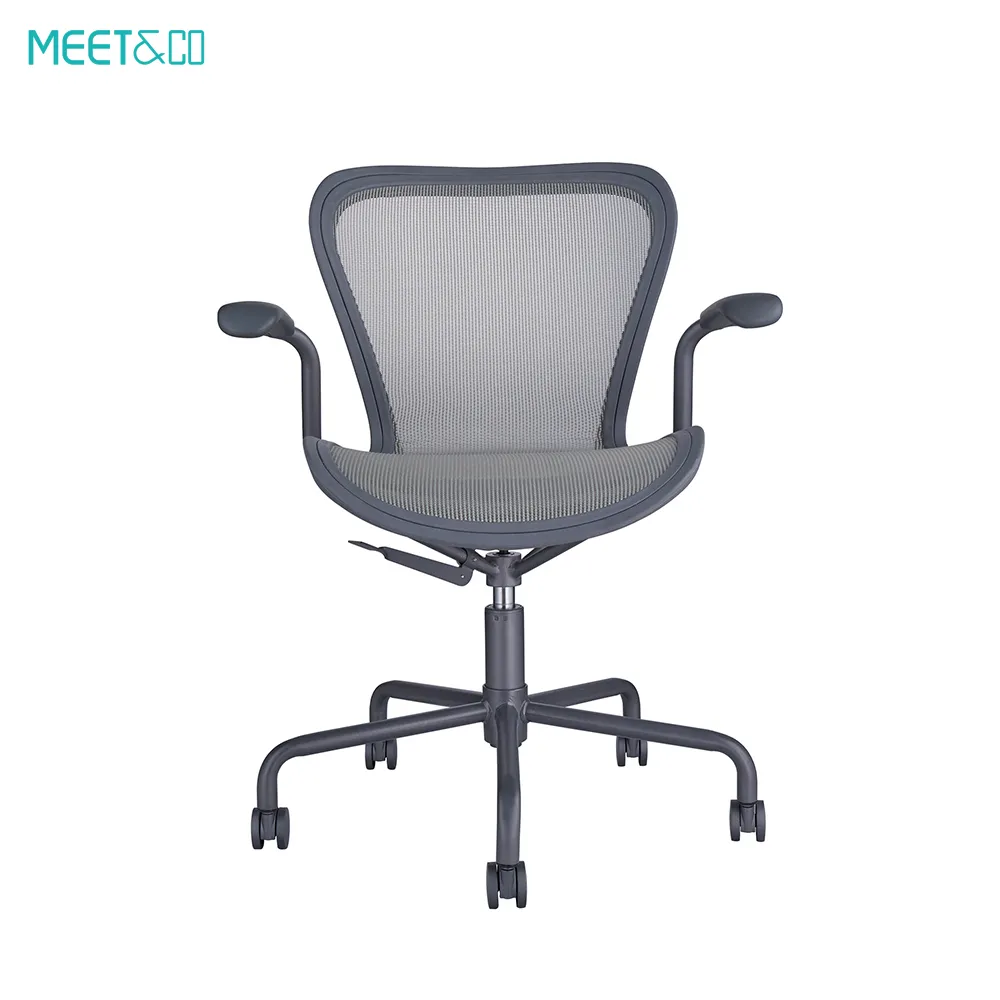
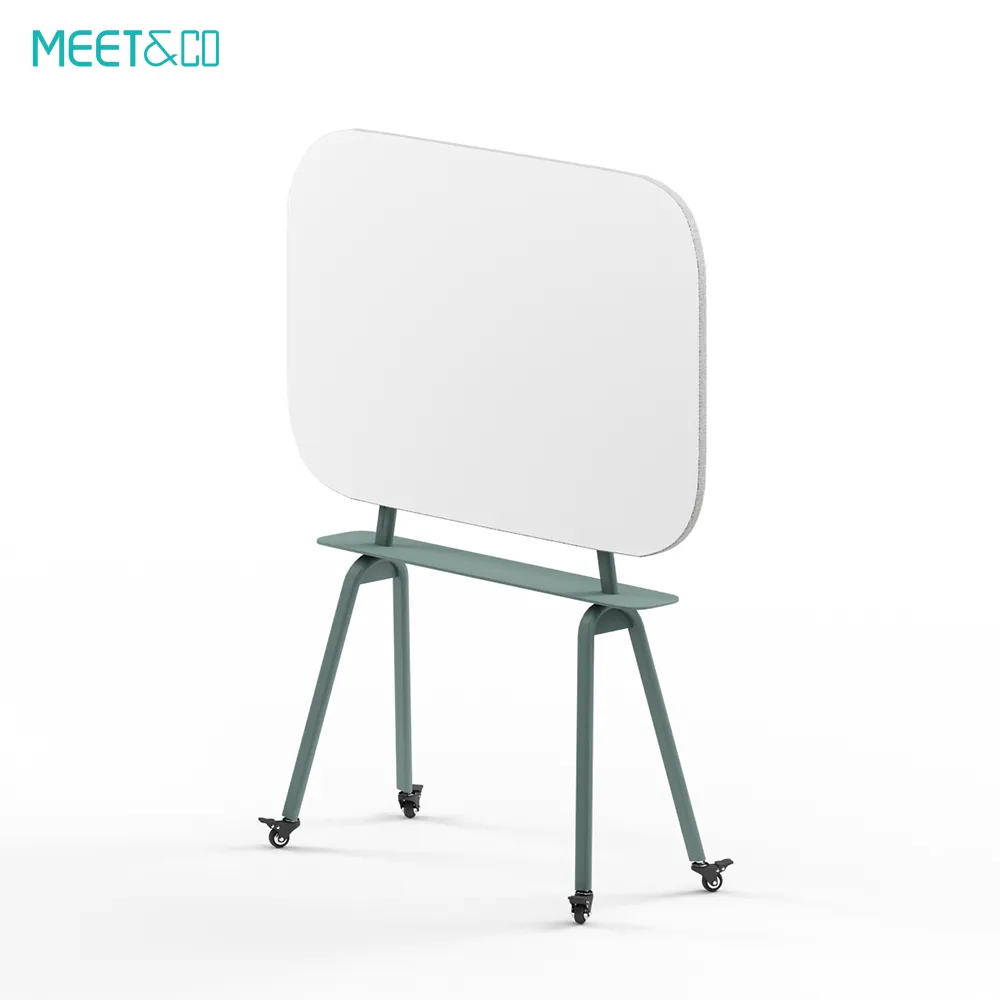
Ready to outfit your conference room? Browse our selection of ergonomic meeting chairs, stackable seating, and modular tables designed for any layout.

_9.webp)


