Meet&Co
Walk into any conference room, and you’ll likely see one of two things: oversized, plush leather chairs that look like thrones, or sleek, adjustable mesh chairs that look like they belong in a cubicle. Which one is right for your meeting space?
The answer isn’t as simple as “executive chairs are for bosses.” Conference rooms serve different purposes—board meetings, team brainstorms, client presentations, hybrid video calls—and the seating should match how the room is actually used.
This guide compares executive chairs and task chairs across the factors that matter most for conference rooms: comfort for long meetings, ergonomic support, aesthetics, durability, and budget. By the end, you’ll know which type—or which mix—is better for your organization.
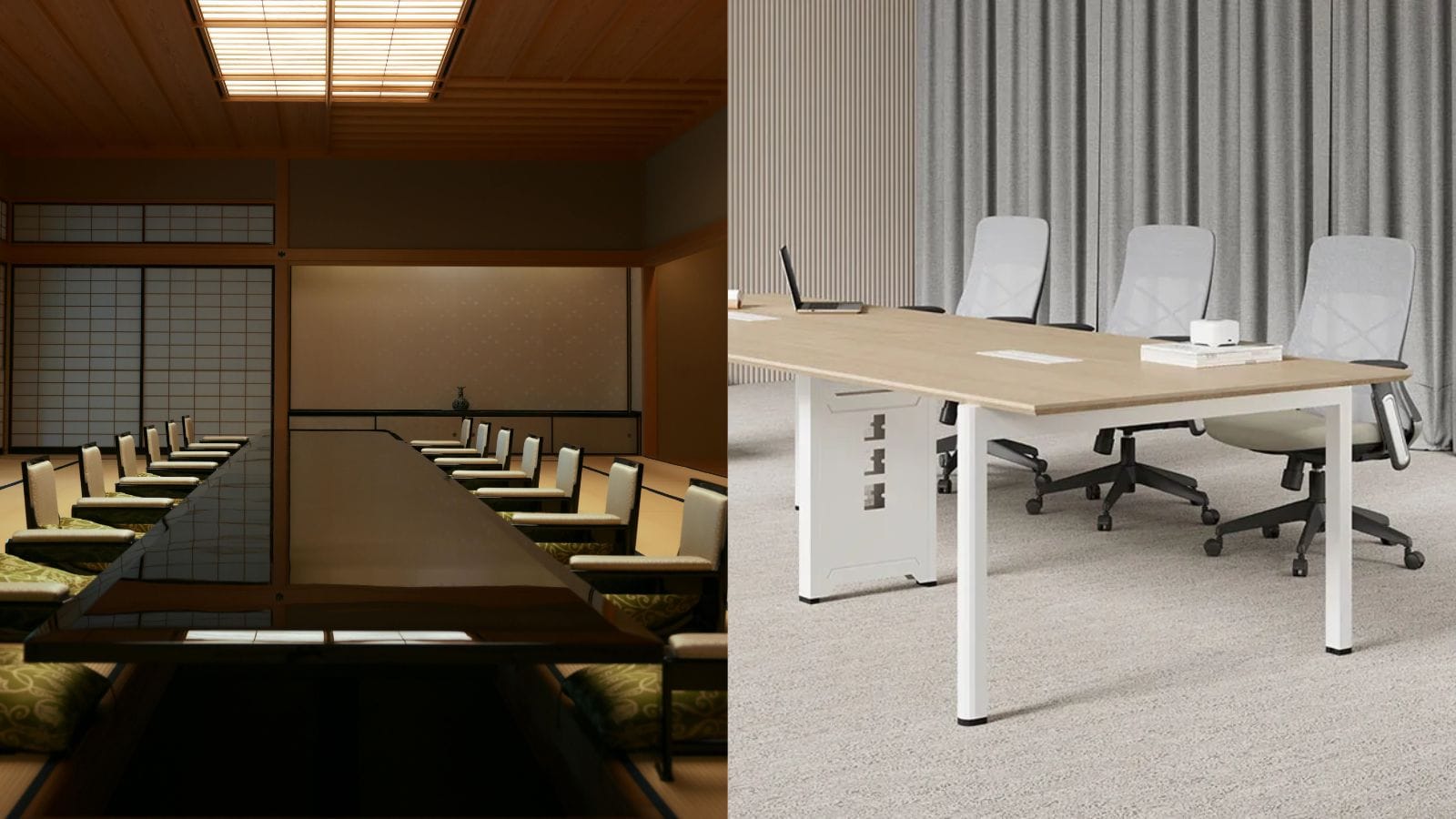
What’s the Difference Between Executive and Task Chairs?
| Feature | Executive Chair | Task Chair |
|---|---|---|
| Back height | High back (often headrest-height) | Mid or low back (supports shoulders to lumbar) |
| Upholstery | Premium leather (genuine or bonded) or high-grade fabric | Mesh, fabric, or breathable synthetic |
| Cushioning | Thick, plush padding | Firmer, contoured foam |
| Adjustability | Basic height and tilt; sometimes lumbar | Extensive: height, seat depth, armrests (3D/4D), lumbar, tilt tension |
| Armrests | Fixed or simple pivoting | Fully adjustable (height, width, depth, angle) |
| Weight capacity | Typically 250–300 lbs | Often 275–400 lbs with commercial grading |
| Aesthetic | Impressive, authoritative, formal | Modern, functional, understated |
| Typical price range | $300–$1,500+ | $150–$800 (premium task chairs up to $1,200) |
| Best for | Boardrooms, executive meetings, client-facing spaces | Daily work, long sessions, collaborative meetings |
How Are Conference Rooms Actually Used?
Before choosing chairs, consider your room’s primary functions.
| Meeting Type | Typical Duration | Attendees | Key Seating Needs |
|---|---|---|---|
| Board meeting | 2–4 hours | Executives, directors | Comfort, professional appearance, armrests |
| Team brainstorm | 1–2 hours | 4–10 employees | Mobility, easy movement, flexible layout |
| Client presentation | 1–3 hours | Mixed (internal + external) | Professional look, comfort, sometimes note-taking |
| Hybrid video call | 1–2 hours | Remote + in-person | Good posture for camera, minimal noise (no squeaking) |
| Training session | 3–8 hours | Employees | Ergonomic support for long sits, mobility |
No single chair excels at all of these. The best approach is often a mix tailored to your most common use cases.
Executive Chairs for Conference Rooms: Pros and Cons
Pros
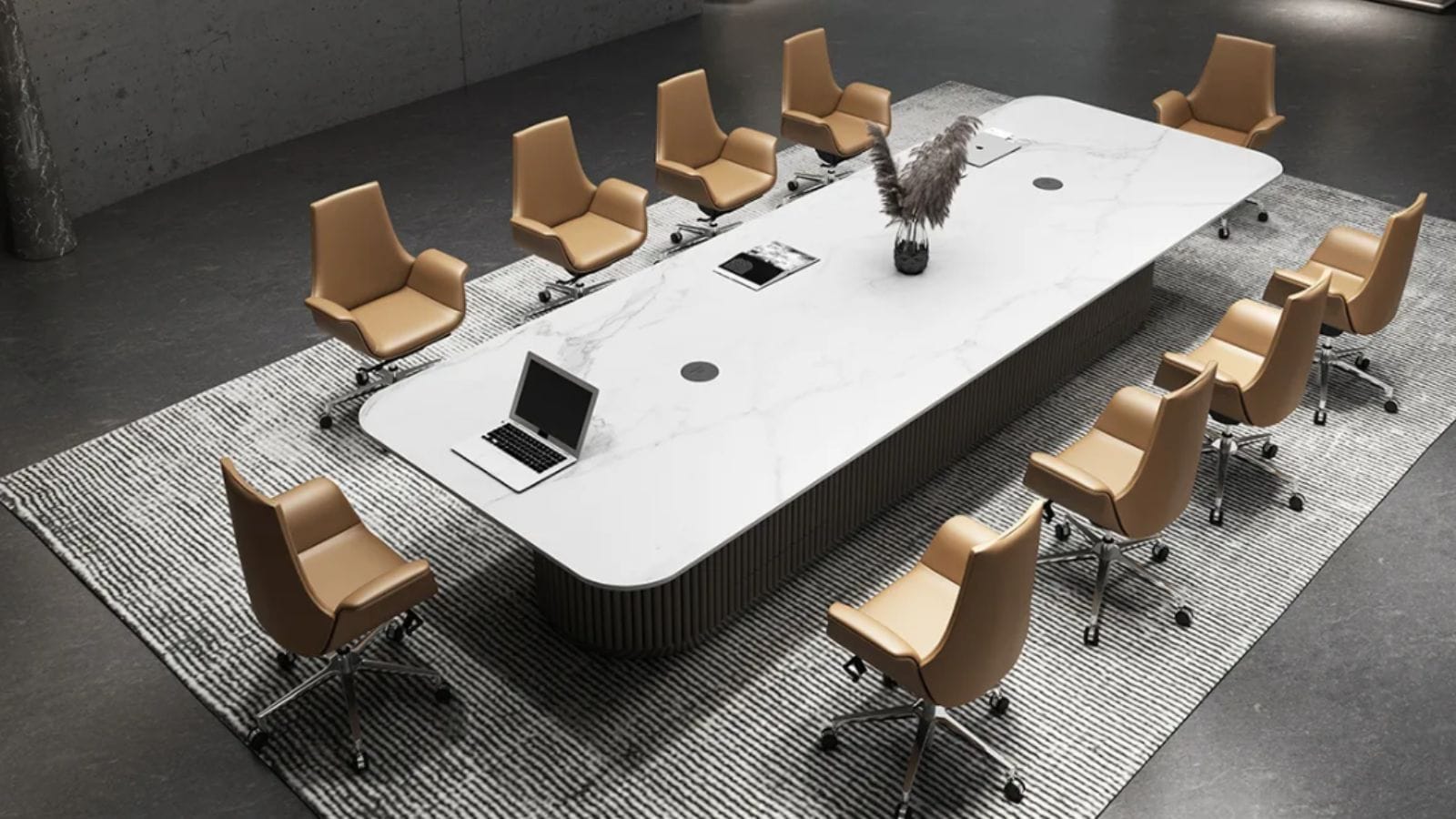
Impressive aesthetics: Leather, high backs, and polished finishes convey authority and success. They make a strong impression on clients and visitors.
Plush comfort: Thick padding feels luxurious for shorter meetings (1–3 hours).
Quiet operation: High-quality executive chairs rarely squeak or creak, which matters during sensitive discussions.
Wide seat pans: Accommodate a range of body types comfortably.
Cons
Poor ergonomics for long sits: Limited adjustability means users can’t fine-tune lumbar support or seat depth. After 2–3 hours, discomfort can set in.
Heavy and bulky: Difficult to move around the table or push in. Not ideal for flexible layouts.
Can trap heat: Leather (especially bonded) doesn’t breathe. Users may get sweaty during long meetings.
Expensive for quality: A genuine leather executive chair that lasts costs $600+. Bonded leather peels within a few years.
No head support for tall users: Even high backs often lack proper headrests for people over 5’10”.
Best For
Formal boardrooms where meetings last 1–3 hours
Rooms where appearance matters more than ergonomic adjustability
Spaces where chairs rarely move (fixed positions around a large table)
Task Chairs for Conference Rooms: Pros and Cons
Pros
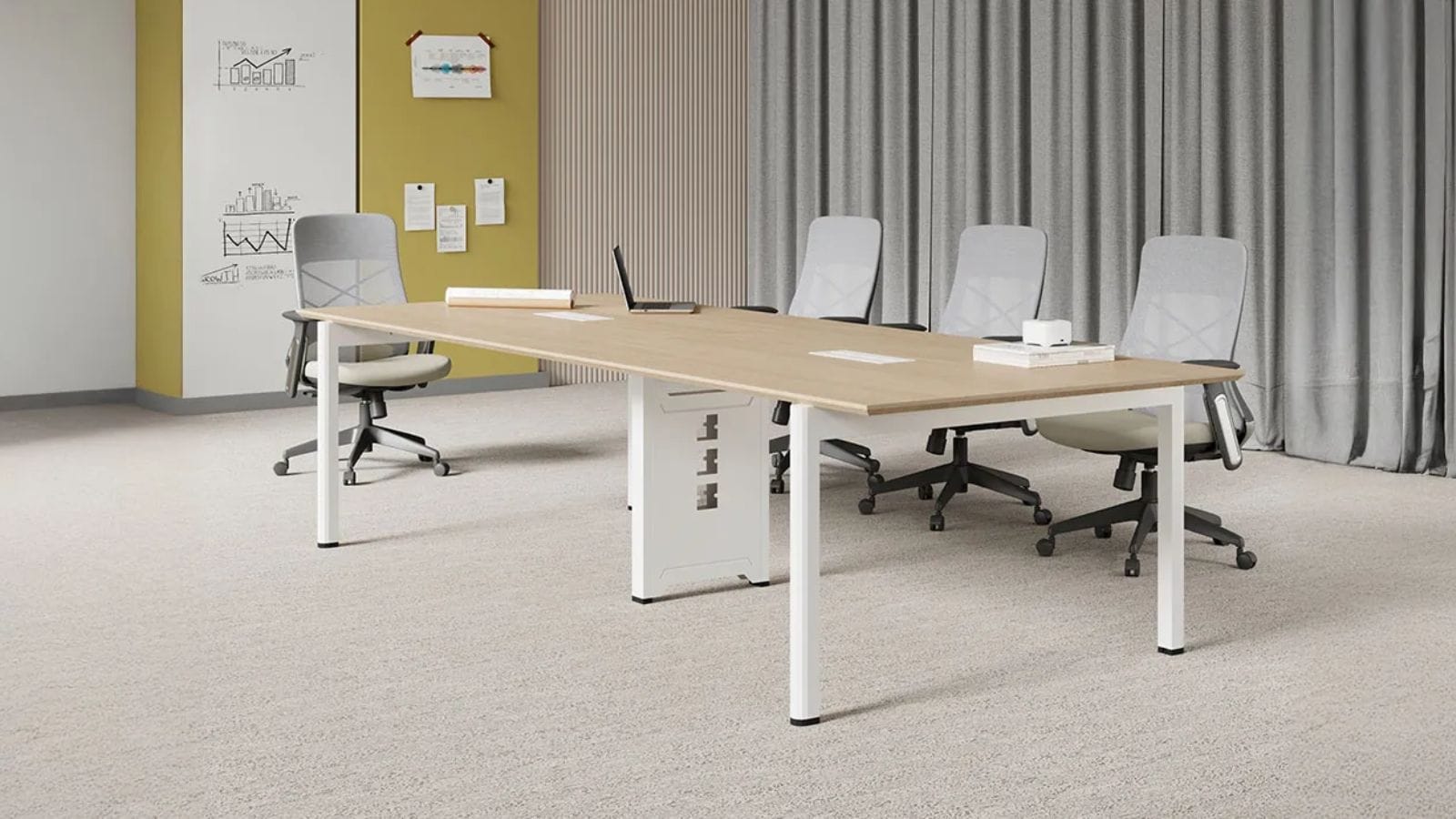
Superior ergonomics: Fully adjustable lumbar, seat depth, armrests, and tilt allow each user to customize fit—critical for multi-user rooms.
Breathable materials: Mesh backs keep users cool during long training sessions or hybrid calls.
Mobility: Lightweight and on smooth casters, task chairs can be easily moved, pushed under the table, or rearranged for different layouts.
Long-session comfort: Designed for 8+ hour workdays, they outperform executive chairs in meetings lasting more than 2 hours.
Better for hybrid meetings: Adjustable height helps users position themselves correctly for camera framing. Mesh backs look professional on video.
Cons
Less “prestigious” appearance: Some executives and clients perceive task chairs as “cubicle furniture.” In very formal settings, they may feel out of place.
Can look cluttered: Rows of mesh task chairs can feel less cohesive than uniform leather seating.
More moving parts: More adjustments mean more potential points of failure, though quality brands offer long warranties.
May not fit all body types equally: Some task chairs come in sizes (A, B, C for Herman Miller Aeron). Choose the right size range.
Best For
Daily-use conference rooms (team meetings, training, hybrid calls)
Rooms where different people use the chairs regularly
Flexible spaces that need to be reconfigured often
Organizations that prioritize ergonomics and employee health
Also see: How Many Conference Room Chairs Do You Actually Need?
Head-to-Head Comparison Table
| Factor | Executive Chair | Task Chair | Winner |
|---|---|---|---|
| Comfort (under 2 hours) | Excellent | Very good | Executive |
| Comfort (over 2 hours) | Moderate | Excellent | Task chair |
| Ergonomic adjustability | Limited | Full range | Task chair |
| Aesthetics (formal) | Superior | Adequate | Executive |
| Aesthetics (modern/casual) | Adequate | Superior | Task chair |
| Mobility / reconfigurability | Poor | Excellent | Task chair |
| Breathability | Poor (leather) | Excellent (mesh) | Task chair |
| Durability (5+ years) | Good (genuine leather) | Excellent (commercial grade) | Task chair |
| Noise (squeaking) | Low | Low (quality models) | Tie |
| Cost (value) | Lower value per dollar | Higher value per dollar | Task chair |
| Best for hybrid meetings | Fair | Excellent | Task chair |
Can You Mix Both Types?
Yes, and often it’s the smartest solution. Here are two common mixed configurations:
1. Executive at the Head, Task Around the Sides
In a traditional boardroom, place executive chairs at the ends (where the chairperson and lead presenter sit) and task chairs along the sides for other attendees. This maintains a formal focal point while giving most users ergonomic support.
2. Executive for Regulars, Task for Visitors
If the same team uses the conference room daily, but clients visit weekly, consider task chairs for team members (who need ergonomics) and executive chairs for the client seating area. This signals respect to visitors without sacrificing employee comfort.
3. Stackable or Nesting Task Chairs with Executive Covers
For multi-purpose rooms, use high-quality task chairs with removable, tailored slipcovers in leather-like fabric. When formal meetings occur, add the covers; for daily use, remove them. This hybrid approach is rare but available from some commercial furniture suppliers.
Also see: Top 10 Best Furniture Manufacturers in Singapore (Custom & Ready-Made)
How to Choose Based on Your Conference Room Profile
Profile A: The Formal Boardroom
Meetings: Monthly board meetings, quarterly reviews, client negotiations
Duration: 2–4 hours
Attendees: Senior leaders, external guests
Recommendation: High-quality executive chairs (genuine leather, polished frames). Invest in models with adjustable lumbar (some executive chairs now include this). Avoid bonded leather—it peels.
Top picks: Steelcase Think Leather, Herman Miller Aeron (with leather trim), La-Z-Boy Executive
Profile B: The Daily Team Room
Meetings: Daily stand-ups, project reviews, hybrid calls
Duration: 1–3 hours, multiple sessions
Attendees: Employees of all sizes and roles
Recommendation: Task chairs with mesh backs, full adjustability, and commercial-grade durability. Look for BIFMA certification and 10+ year warranties.
Top picks: Steelcase Series 1 or 2, Herman Miller Sayl, Haworth Zody
Profile C: The Training / Multi-Purpose Room
Meetings: All-day training, workshops, catered events
Duration: 4–8 hours
Attendees: Rotating groups; chairs may be moved or stacked
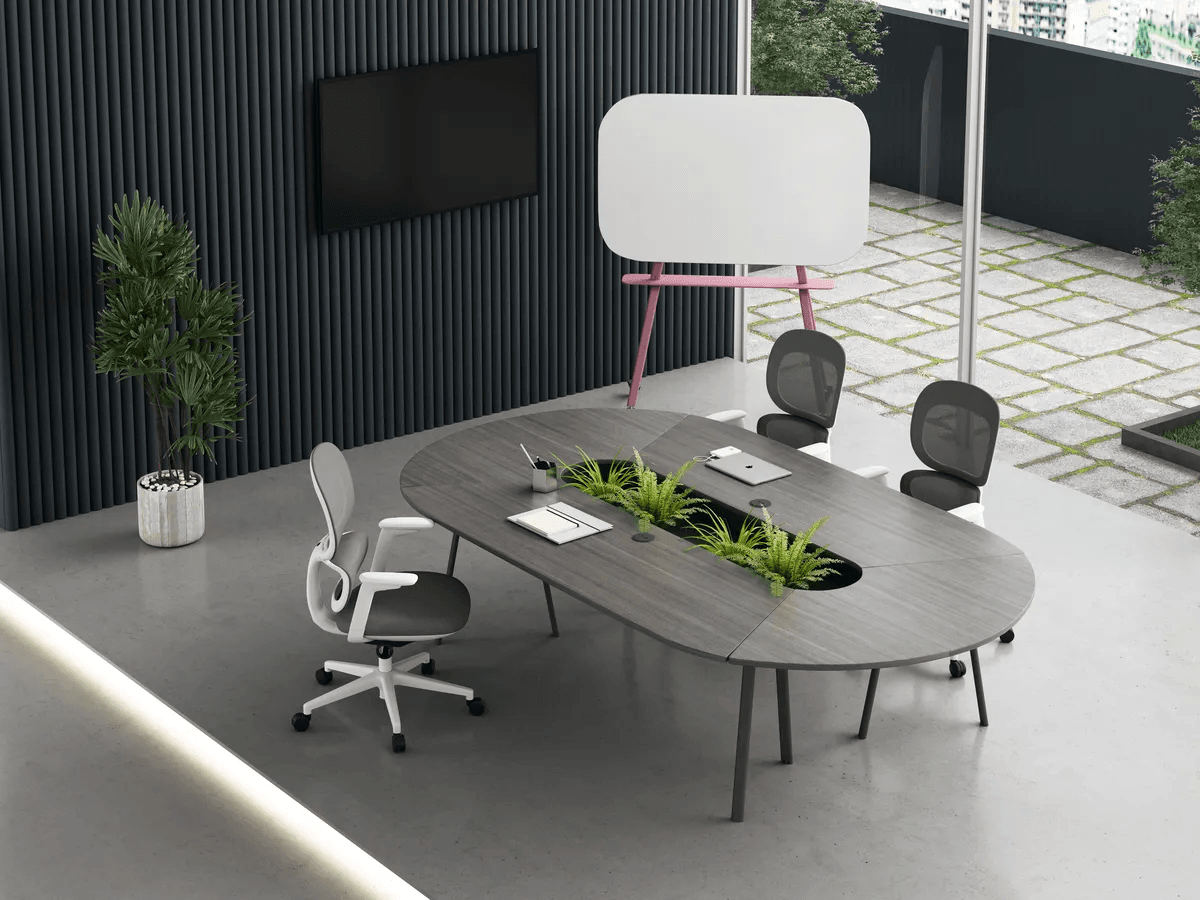
Recommendation: Lightweight, stackable task chairs with breathable fabric. Armrests should flip up or be absent to allow pushing under tables. Consider casters for mobility or glides for stability.
Top picks: Sitmatic GoodFit (stackable), HON Volt, National Public Seating stacking chair with padding
Profile D: The Hybrid-First Conference Room
Meetings: Mixed in-person and remote; camera framing critical
Duration: 1–2 hours
Attendees: Varied; chairs need to be repositioned for camera sightlines
Recommendation: Mid-back task chairs with adjustable height and no high headrest (which blocks rear cameras). Mesh backs look professional on video. Chairs should roll smoothly for repositioning.
Top picks: Steelcase Gesture (excellent for device users), Herman Miller Embody, Knoll Generation
Also see: Conference Room Setup: How to Design a Productive Meeting Space in 2026
Cost Analysis: Executive vs. Task Chairs
| Quality Tier | Executive Chair Price | Task Chair Price | Value Winner |
|---|---|---|---|
| Budget ($100–250) | Bonded leather; peels in 2–3 years; poor ergonomics | Basic mesh task chair; limited adjustability | Task chair (lasts longer) |
| Mid-range ($250–600) | Genuine leather; decent padding; basic adjustments | Full ergonomic adjustments; breathable mesh; BIFMA certified | Task chair (far better ergonomics) |
| Premium ($600–1,500+) | Top-grain leather; high-end aesthetics; limited ergonomics | Premium ergonomics (Aeron, Gesture); 12-year warranties; highly adjustable | Task chair (better long-term value) |
Verdict: For the same budget, task chairs consistently offer better ergonomics, durability, and user satisfaction than executive chairs—unless formal appearance is your absolute top priority.
Frequently Asked Questions
1. Are executive chairs bad for your back?
Not necessarily, but most lack the adjustability needed for healthy sitting over long periods. If you choose executive chairs for a conference room where meetings exceed 2 hours, look for models with adjustable lumbar support and seat depth adjustment. Without these, users may experience lower back fatigue.
2. Can I use task chairs in a boardroom without looking unprofessional?
Yes, if you choose high-end task chairs with polished finishes. For example, the Herman Miller Aeron in black with polished aluminum frame or the Steelcase Gesture with leather upholstery option looks sophisticated while providing full ergonomics. Avoid brightly colored mesh or plastic frames.
3. How many chairs should I put around a conference table?
For discussion-style meetings, allow 28–32 inches of table edge per person. A 10-foot table can accommodate 8–10 chairs (2 on ends, 3–4 per side). For presentation-style layouts (rows), refer to our guide on conference room chair quantities.
4. Do executive chairs come with warranties?
Yes, but quality varies. Budget executive chairs ($150–300) often have 1–3 year warranties. Premium executive chairs ($600+) from reputable brands (Steelcase, Herman Miller, Haworth) offer 10–12 year warranties on frames and mechanisms, but upholstery (especially leather) may be excluded.
5. Which chair type is better for hybrid meetings where people use laptops?
Task chairs win here. Their adjustability allows users to set armrest heights that support typing without hunching. Executive chairs with fixed or non-adjustable armrests often force users to sit too low or too far from the table to type comfortably.
6. How do I clean and maintain executive vs. task chairs?
Executive (leather): Wipe with damp cloth; use leather conditioner every 6–12 months. Avoid harsh cleaners. Bonded leather should never be conditioned (it accelerates peeling).
Task (mesh/fabric): Vacuum regularly. Spot clean with mild detergent. Mesh can be wiped with disinfectant wipes (test first). Fabric may require professional cleaning for deep stains.
Conclusion: Which Is Better for Your Conference Room?
There’s no universal winner—it depends on your room’s primary function.
Choose executive chairs if:
Your conference room hosts formal board meetings, client presentations, or executive sessions
Meetings typically last less than 2 hours
Appearance and prestige are top priorities
You have a dedicated facilities team to maintain leather
The chairs will remain in fixed positions around a large table
Choose task chairs if:
The room is used daily by multiple teams for varied meetings
Sessions often exceed 2 hours (training, workshops, hybrid calls)
Ergonomic support and user comfort are priorities
You need mobility and reconfigurability
You want better long-term value and durability
For most organizations, the best answer is a hybrid: task chairs for everyday use and a few executive chairs for formal occasions or for the head of the table. Or, invest in premium task chairs that look polished enough for any setting—giving you ergonomics without sacrificing professionalism.
Before buying, test both types in your actual room. Sit in them for at least 20 minutes. Adjust everything. Then decide based on comfort, not just first impressions.
Ready to outfit your conference room? Browse our selection of commercial-grade executive and task chairs, with free demos and space planning support.