Meet&Co
In today’s work‑from‑home era, having a dedicated, functional space matters more than ever.
Whether you’re tackling long spreadsheets, hosting video calls, or creating content, the right home office workstation ideas can make all the difference.
This guide walks you through smart layouts, ergonomic setups, budget‑friendly configurations, and personalized design tweaks that help maximize comfort and efficiency.
From spatial planning to lighting, storage, and productivity‑boosting gear, we cover everything you need to build a modular office workstation that works for you.
Why Your Home Office Workstation Matters
Remote and hybrid work styles have become long‑term norms for many professionals.
But unlike corporate offices optimized for workflow, home spaces vary widely — physically and functionally.
Without intentional design, your workstation can contribute to discomfort, distraction, and productivity loss.
A thoughtfully designed home office workstation is more than a desk and chair: it’s a personalized productivity hub.
It supports healthy posture, minimizes physical strain, and helps establish a psychological boundary between work time and home life.
Whether you’re working in a spare bedroom, a living room corner, or a compact alcove, elevating your setup can boost focus and comfort.
Before diving into specific ideas, take a moment to think about your daily routines, the tasks you perform most often, and how movement flows through your space.
These insights will influence your layout and gear choices.
Core Elements of a Successful Workstation
At its heart, a great home workstations for office addresses five main categories:
- Layout & space planning
- Desk & surface solutions
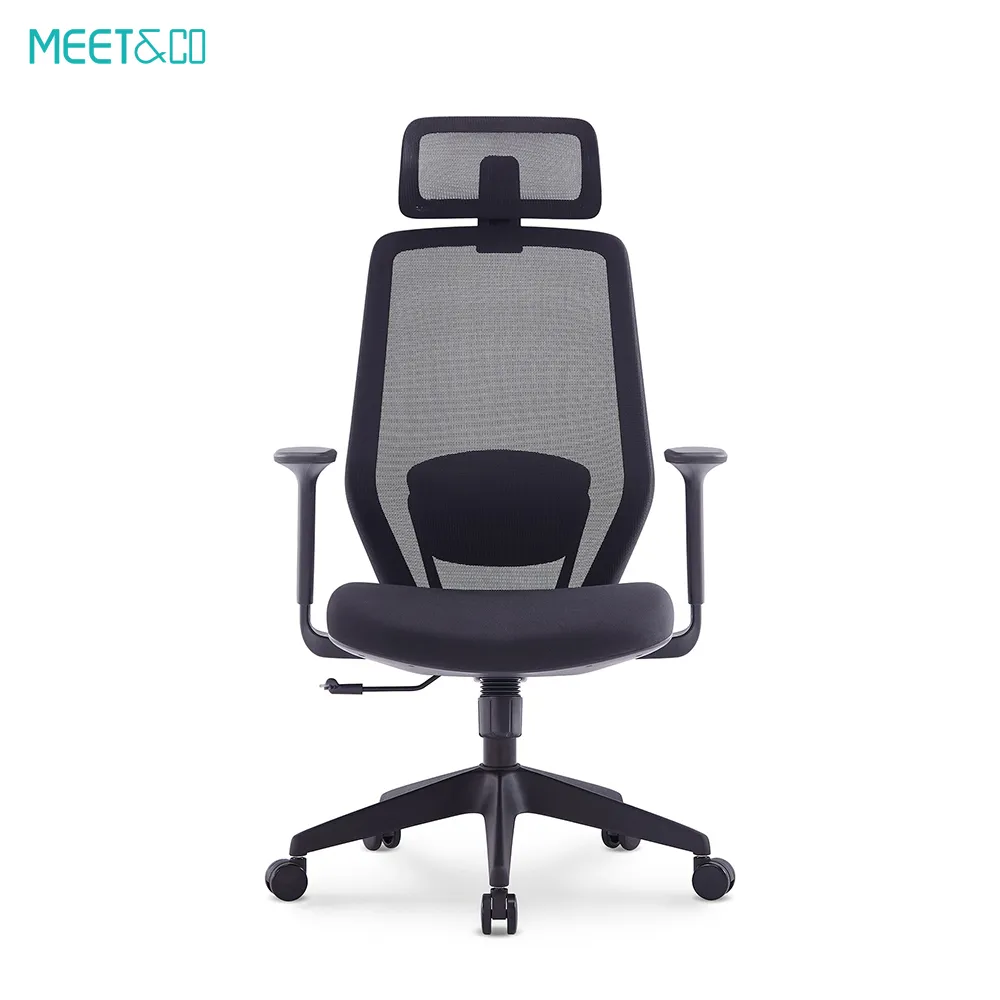
- Ergonomic seating and posture support
- Lighting and sensory environment
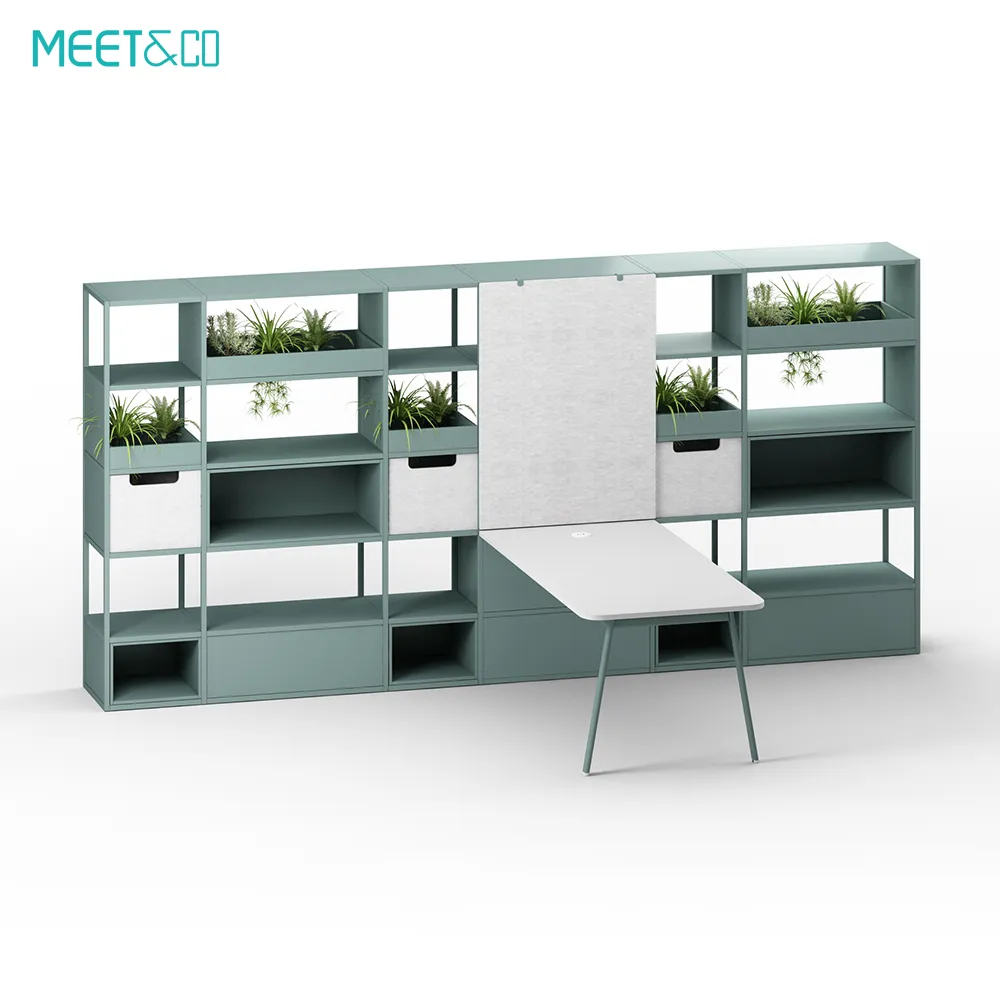
- Storage, organization, and visual design
We’ll unpack each in detail, providing practical ideas you can implement immediately — with recommendations for both small spaces and versatile configurations.
Layout & Flow — Getting Started with Floor Planning
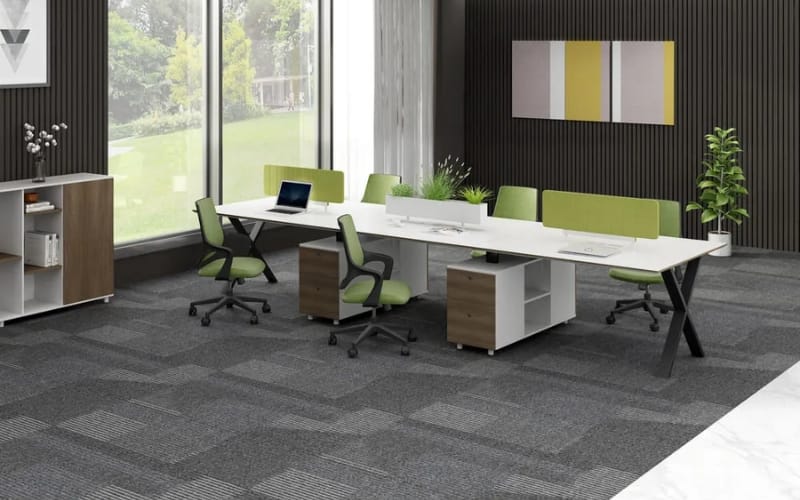
Key Layout Principles
Position for light and comfort. Natural light is a huge asset, but glare can interfere with screens.
Aim to place your desk perpendicular to windows to balance light without direct reflection.
Define circulation. You want clear movement paths — no squeezing past furniture to get to your desk.
A symmetrical or L‑shaped layout can help draw a clean work zone.
Zone your space. Even in a small room, mentally divide areas for:
- Work tasks
- Reference materials / storage
- Video conferencing background
- Breaks or thinking work
If you have a dedicated room, consider positioning your desk away from high‑traffic areas to reduce distractions.
Layouts for Different Room Types
Small Nooks or Corners
For compact spaces less than 6×6 feet:
- Use a narrow or wall‑mounted desk
- Add floating shelves instead of bulky bookcases
- Employ vertical lighting (wall sconces or clip lamps)
Corner desks work wonderfully here.
Standard Rooms
In 8×10 or larger spaces:
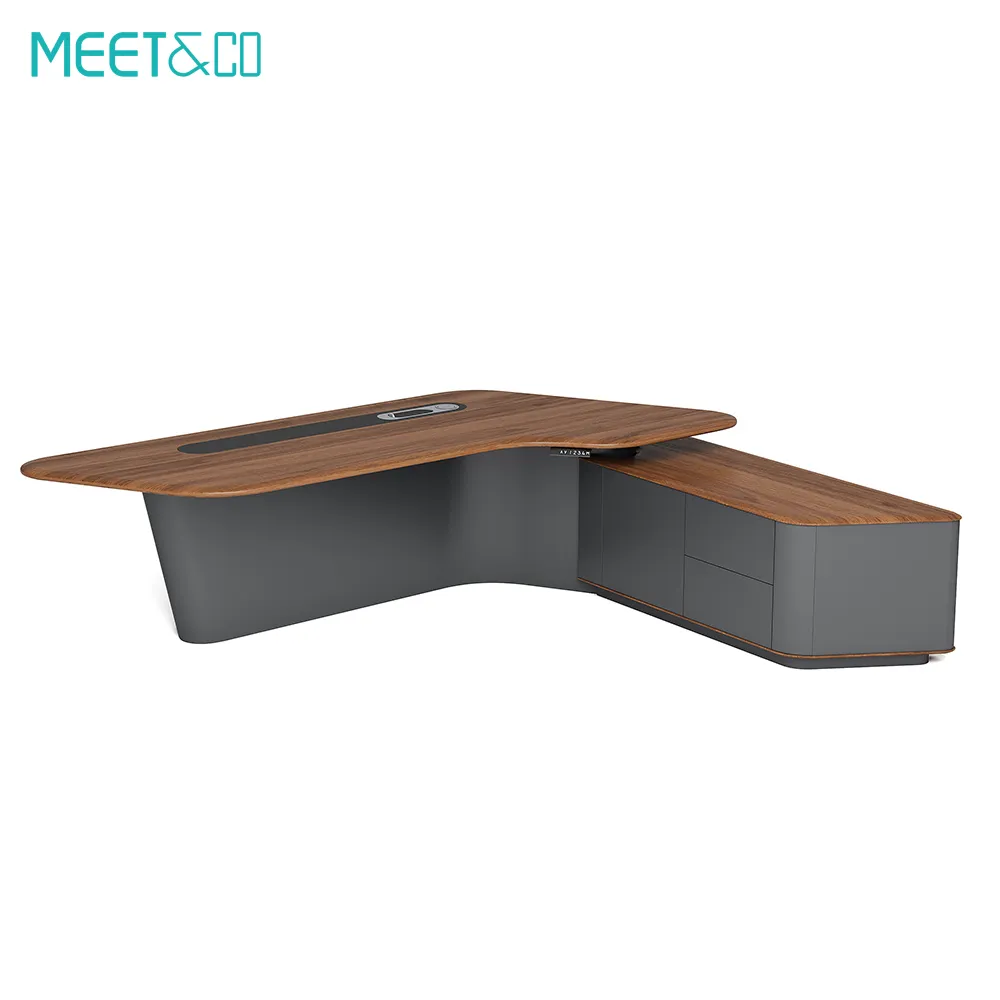
- Try an L‑shaped desk in the center, with storage on one leg
- Allow 3 feet of clearance behind your chair for easy motion
- Consider a room divider to visually separate work from living areas
Shared Workstations
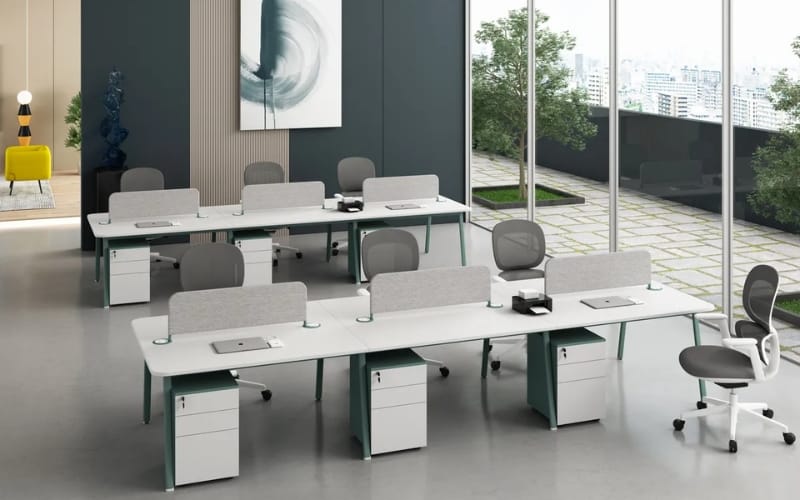
If two people share space:
- Use dual desks back‑to‑back or L‑shaped with privacy panels
- Label storage zones to reduce clutter overlap
- Communicate on shared tech (printers, scanners)
Layout planning encourages you to think beyond just furniture and focus on workflow — like how often you reach for reference books or turn to a calendar.
Desk & Surface Ideas That Maximize Function
Your desk is the centerpiece of your workstation. Different tasks and space constraints call for different solutions.
Desk Configurations by Need
Standard Rectangular Desk
Best for most workflows, with room for:
- Large monitor
- Keyboard tray
- Writing free space
Pair with a cable management tray under the surface to keep wires tidy.
L‑Shape or Corner Desk
Ideal if you juggle multiple screens or need spread‑out workspace.
One side can serve as your main work area; the other can house paper flows, reference materials, or secondary devices.
Standing / Adjustable Desk
Sit‑stand desks have become staples in ergonomic setups. Adjustable height desks let you:
- Stand for focused work sprints
- Change posture regularly
- Reduce back strain
If you’re budget‑conscious, a desktop riser can convert a regular desk to a standing solution.
Wall‑Mounted or Fold‑Down Desk
For ultra‑small spaces:
- A fold‑down desk folds back into the wall when not in use
- Great for multi‑purpose rooms (guest room + office)
- Works well with a small stool or compact chair
Surface Organization Essentials
Keep items organized by frequency of use:
- Everyday tools: Keyboard, mouse, notepad
- Occasionals: Stapler, headphone stand
- Rarely used: Extra cables, archived documents
Use cable clips, under‑desk trays, or modular organizers to maintain a clean surface.
A clutter‑free desk reduces decision fatigue, which in turn aids focus and productivity.
Seating & Ergonomics — Comfort Meets Health
Ergonomics isn’t just buzz — it’s about aligning your body with your work environment so you can work pain‑free over months and years.
Choosing an Ergonomic Chair
Look for chairs that offer:
- Adjustable seat height
- Lumbar support
- Adjustable armrests
- Breathable upholstery
Your feet should rest flat on the floor or a footrest. Knees should bend at roughly 90 degrees.
Aligning Your Monitor(s)
- The top of your primary screen should be just below eye level
- Screens should sit about an arm’s length from your face
- Dual monitors should be angled toward you
Maintain a neutral neck and wrist alignment — wrists floating above the keyboard, not bent.
Sit‑Stand Routine Tips
If using a height‑adjustable desk:
- Alternate every 30–60 minutes
- Stand with relaxed shoulders and minimal gripping tension in hands
- Wear comfortable shoes
Incorporate brief movement breaks — even a 1‑minute stretch improves blood flow and resets posture.
Lighting & Environment — Control Your Senses
Light for Productivity
Natural light regulates circadian rhythm and boosts mood. However, direct sun on screens can cause glare.
Lighting strategy:
- Ambient light: Ceiling or wall lights
- Task light: Adjustable desk lamp
- Accent light: LED strips, floor lamps for depth
If your screen reflects sunlight, reposition the desk or use curtains with diffused light.
Sound and Acoustics
Video calls or focused tasks benefit from sound control:
- Add a soft rug or curtains to reduce echo
- Use headphones with noise cancellation
- Choose a desk pad to reduce typing noise
Soft background music or nature sounds can sometimes improve focus — tailor this to your preference.
Storage & Organization — Keeping Order in the Chaos
Storage isn’t glamorous, but it’s essential.
Smart Storage Choices
Drawers and pedestal units: For files and small supplies
Wall shelves: For books and decor
Storage bins: For lesser‑used gear
Labeling systems help you quickly retrieve what you need.
Vertical vs Horizontal Storage
Vertical shelving uses height, saving valuable floor space.
Horizontal surfaces are easier to access but can fill up with clutter if left unchecked.
Aim for a hybrid approach:
- Vertical cubbies near desk
- Horizontal trays for active projects
- Closed storage for noise‑making or visually distracting items
Design & Personalization — Make It Your Own
Your workstation should reflect your style and support your work habits.
Color and Mood
Bright color accents can elevate mood, while neutral walls reduce visual fatigue. Choose tones that align with your personality and work style.
Plants and Greenery
Low‑maintenance plants like pothos or snake plants add life and improve air quality.
Background for Virtual Meetings
Arrange a visually appealing, non‑distracting video call backdrop. Consider:
- Simple artwork
- Bookshelves
- Soft lighting
Avoid clutter that will draw attention away from you during calls.
Workstation Ideas by Persona
Different roles have different needs. Here are tailored setups:
Creative Professionals
- Large horizontal workspace
- Tablet or secondary monitor
- Adjustable lighting for visual work
Programmers & Engineers
- Dual monitors
- Cable management and ergonomics
- Quiet mechanical keyboard
Video‑Heavy Work
- Ring light or softbox
- Clean background
- Desk riser for dynamic camera angles
Common Mistakes to Avoid
Avoid these pitfalls:
- Over‑decorating the desk (clutter kills focus)
- Ignoring ergonomic principles
- Lighting placed only behind you
- No separation between work and living areas
Proactively avoid mistakes by planning function first, then form.
FAQ — Quick Answers
How small can a workstation be?
With smart planning and vertical storage, spaces as small as 4×4 feet can work.
Do I need a sit‑stand desk?
If you sit all day, alternating posture can help — but even standing breaks beside a regular desk help.
Can I create a home office without a room?
Yes — use a corner or wall desk and signal work mode with lighting or a rug.
Summary & Next Steps
A productive home office workstation blends ergonomic comfort, intentional layout, smart storage, and personal style.
Start by evaluating your space and tasks, choose gear that supports your body and workflow, and add lighting and design elements that enhance mood and focus.
Remember: the goal isn’t perfection — it’s creating a workspace that helps you work better, feel better, and stay engaged throughout the day.
Need more setup inspiration or team collaboration tools? Check out the options available via the Meet&Co to elevate your workflow.