





 Meet&Co
When people talk about office workstations, they're often classified by the number of people they accommodate: single, 2-person, 4-person, 6-person. But I don't find headcount particularly useful as a way to define workstation types. A workstation system can be configured to accommodate different numbers of employees depending on the layout and available space.
So in this article, we'll look at office workstations from three additional dimensions—layout, shape, and flexibility—to help you understand how different workstation systems work and which configuration may be right for your office.
Office Workstations by Layout
The layout of a workstation determines how employees are positioned in relation to one another. It affects communication, privacy, movement, and how efficiently you can use the available floor space. The following configurations are among the most common options for modern offices.
Bench workstations
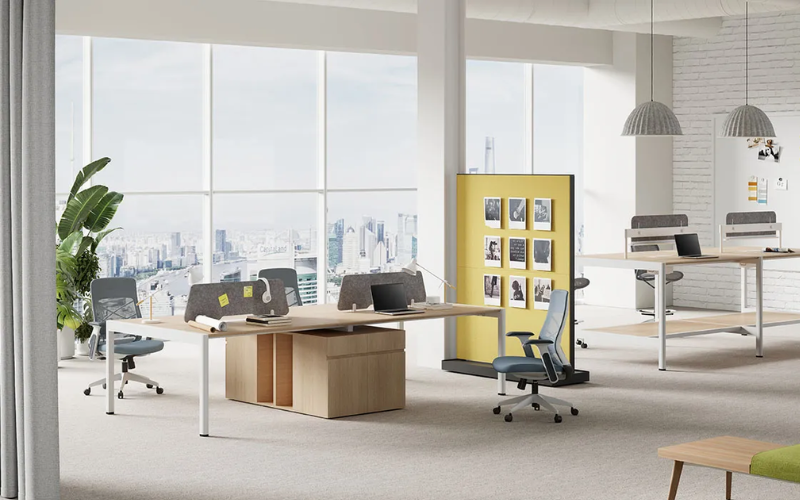
Bench workstations use a continuous desk surface or shared frame to create several workspaces within one system. Employees are typically seated side by side or across from one another, making this configuration particularly efficient when floor space is limited.
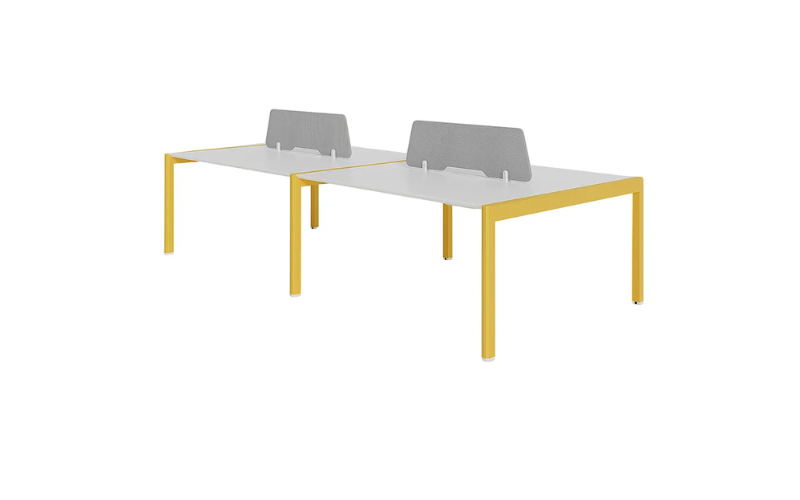
The open arrangement also makes it easy for team members to communicate without leaving their desks. For sales teams, customer service departments, and other groups that work closely together, bench workstations offer a practical balance between collaboration and space efficiency.
Privacy can be added with desk screens or modest-height panels without turning the workstation into a fully enclosed cubicle.
Cluster workstations
Cluster workstations group several individual workspaces into a compact unit, often around a shared center or common structural point. Unlike a simple row of desks, a cluster creates a defined team zone within a larger office.
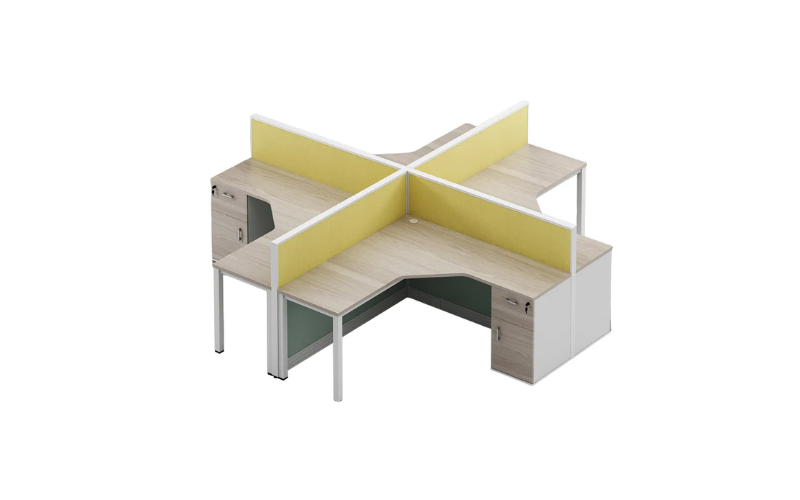
This arrangement works well when employees need both individual work areas and frequent interaction. It can also make a large open office easier to organize by dividing it into smaller functional groups.
Cubicle workstations
Cubicle workstations use panels or partitions to define individual work areas. The panels may be full-height or relatively low, depending on how much privacy the office requires.
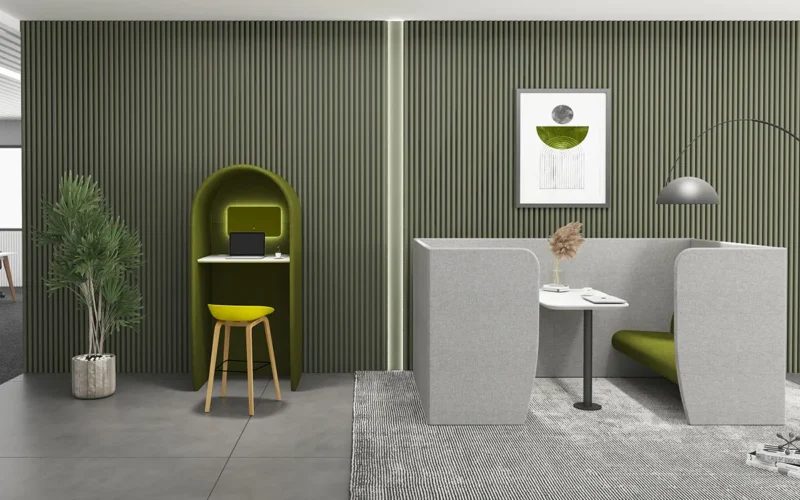
Compared with open workstations, cubicles provide a stronger sense of personal space and can help reduce visual distractions. They are particularly useful when employees spend long periods working independently or handling tasks that require concentration.
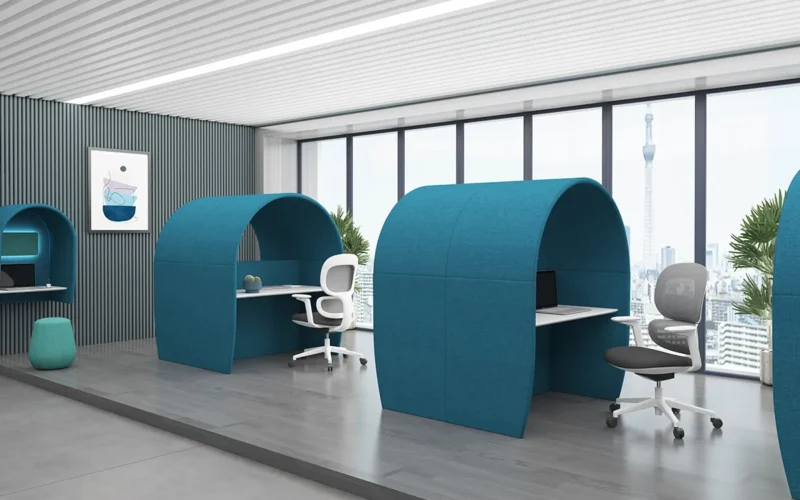
However, more enclosure usually means less visual openness. For offices that want privacy without creating a closed-off environment, mid-height panels can provide a useful compromise.
Office Workstations by Shape
Shape impacts how much usable surface a workstation provides and how employees interact with the workspace. It can also influence where monitors, documents, equipment, and personal items are placed.
● L-Shaped workstations
L-shaped workstations extend the desktop in two directions, giving users a dedicated primary work surface and an additional side surface. This makes them useful for roles that involve multiple monitors, paperwork, equipment, or frequent switching between different tasks.
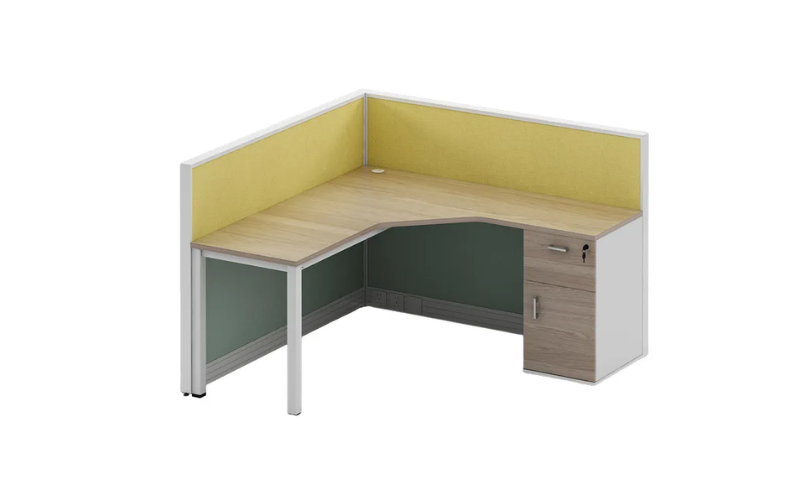
The extra surface area comes with a trade-off: L-shaped workstations generally require more floor space. They work particularly well in corners or individual work areas where the additional footprint can be used efficiently.
● Straight workstations
Straight workstations use a simple rectangular desktop and are one of the easiest configurations to fit into different office layouts. Their straightforward geometry makes them suitable for rows, back-to-back arrangements, and other space-efficient setups.
They are a practical choice when employees mainly need a standard work surface rather than additional side space. Their simplicity also makes them easier to combine with storage units, screens, or other workstation components.
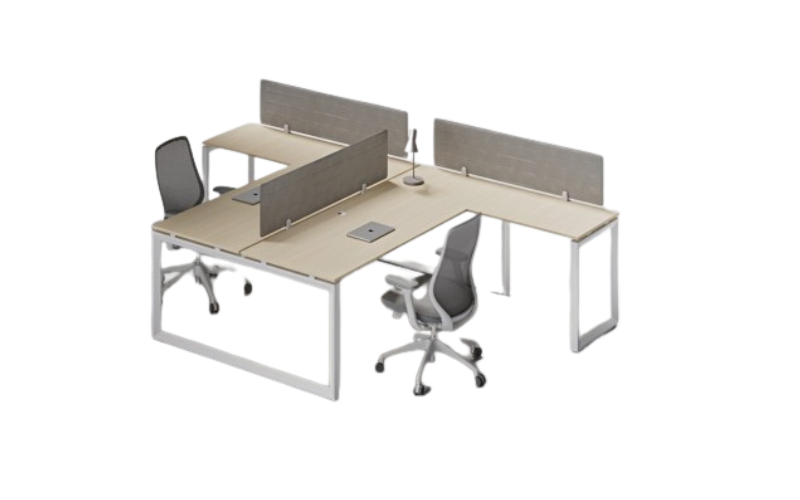
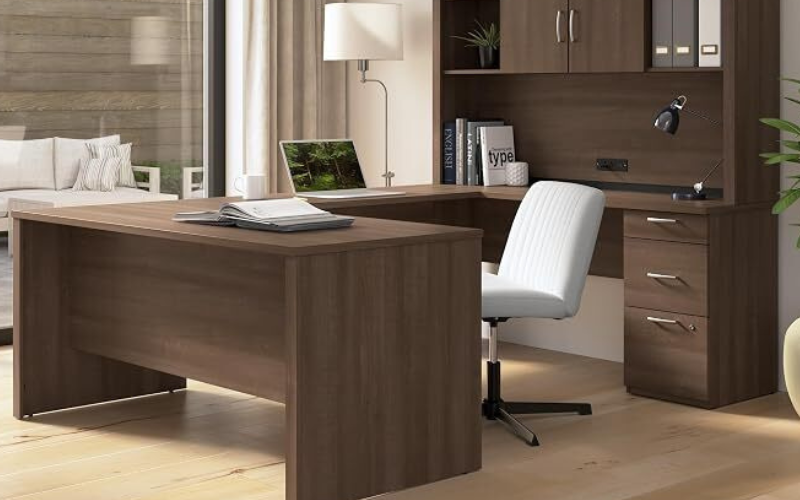
Two differently shaped workstation modules can be joined together to form T‑shaped and U‑shaped workstations.
Office Workstations by Flexibility
Flexibility becomes increasingly important as companies change teams, move offices, or adjust their working styles. A workstation that works well today may need to accommodate a different team structure later.
1. Modular workstations
Modular workstations are built from individual components that can be combined, rearranged, or expanded as requirements change. Instead of treating the workstation as a fixed piece of furniture, a modular system allows different elements to work together as a configurable solution.
This makes modular workstations particularly useful for growing companies. Additional desks, screens, storage units, or other components can be incorporated as the office evolves.
2. Fixed workstations
Fixed workstations are designed around a specific configuration and are less intended for frequent rearrangement. Their simplicity can be an advantage when an office has a stable team structure and a clearly defined floor plan.
Because the layout is established from the beginning, fixed systems can provide a consistent appearance across the office. They can also make planning easier when the number of employees and the intended use of the space are unlikely to change.
How Workstation Components Affect the Overall Setup
A workstation is more than a desktop. The supporting components can significantly change how the system performs.
Storage is one example. Pedestals, overhead storage, under-desk drawers, and mobile cabinets can keep documents and supplies within reach while reducing clutter on the work surface. The best option depends on what employees actually need to store and how often they need to access it.
Power and cable management are equally important. Modern workstations often support computers, monitors, phones, chargers, and other devices. Built-in cable management, power modules, and organized cable routes can help keep the desk usable and make maintenance easier.
Screens and privacy panels can also change the character of an open workstation. A low screen may provide visual separation while maintaining a sense of openness, whereas a taller panel can create a more enclosed environment.
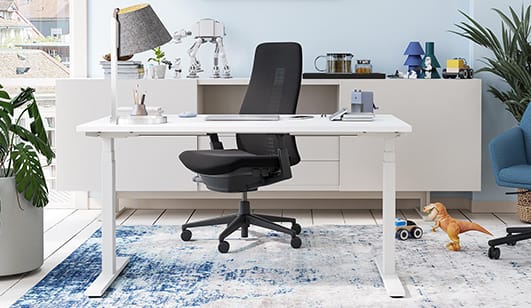
Ergonomics should also be considered from the start. A well-planned workstation should work together with an appropriate office chair, monitor position, keyboard and mouse placement, and enough legroom. Simply choosing a large desktop does not automatically create a comfortable workstation.
Key factors about choosing the right office workstation
Choosing an office workstation is less about finding a universally “best” type and more about matching the workstation to the way your team actually works. Several factors deserve attention before making a decision.
Figure out what your team needs
Start by asking the people who use them daily. A quick survey on desk size and storage reveals a lot. Don’t forget to ask whether any employees experience pain or strain (a sign that needs better chairs or keyboard setups) . Privacy is another inportant factor, since some need quiet to focus while others prefer open areas for teamwork.
Office layout
Start with the available floor space. Measure not only the area occupied by the workstation itself but also the circulation space around it. A configuration that looks efficient on paper may feel cramped once chairs, walkways, storage, and other furniture are added.
Future changes
Finally, consider what your office may look like a few years from now. If your team is likely to grow, shrink, or move between departments, modular workstations can make those changes easier to manage.
Budget and long-term value
Budget is an important part of choosing an office workstation, but the lowest purchase price does not always mean the best value. Instead of looking only at the upfront cost, consider what you are getting for that investment and how long the workstation is expected to remain in use.
The total cost can include more than the workstation itself. Storage units, privacy panels, cable management, monitor arms, installation, and other accessories may all add to the final price. Comparing complete workstation configurations rather than the desk alone can give you a more realistic picture of the overall investment.
Durability is another factor to consider. A workstation made with durable materials and a solid structure may cost more initially but can remain functional for longer and require fewer replacements. This can make a higher-quality workstation more cost-effective over time.
When comparing options, consider both the initial investment and the expected lifespan, maintenance needs, and potential for future reuse. A cost-effective office workstation is not necessarily the cheapest one—it is the one that provides the right balance of quality, functionality, flexibility, and long-term value for your workplace.
Conclusion
Looking at layout, shape, privacy, function, and flexibility gives you a much clearer picture of how different workstation systems can be used.
There is no single workstation type that fits every office. The best solution depends on how employees work, how much floor space is available, the level of privacy required, the equipment each role uses, and how likely the layout is to change in the future.